Former customers
Last verified 2026-09-17
Track churned and post-churn accounts, distinguish active win-back opportunities from dormant accounts, and execute seamless account reactivations.
Before you start
- ValueRamp account access (CSM, Admin, or OM role)
The Former Customers directory (/former-customers) provides Customer Success Managers and leadership with a dedicated surface for managing cancelled relationships, tracking lost revenue cohorts, and executing structured win-back campaigns.
Win-back lifecycle segmentation
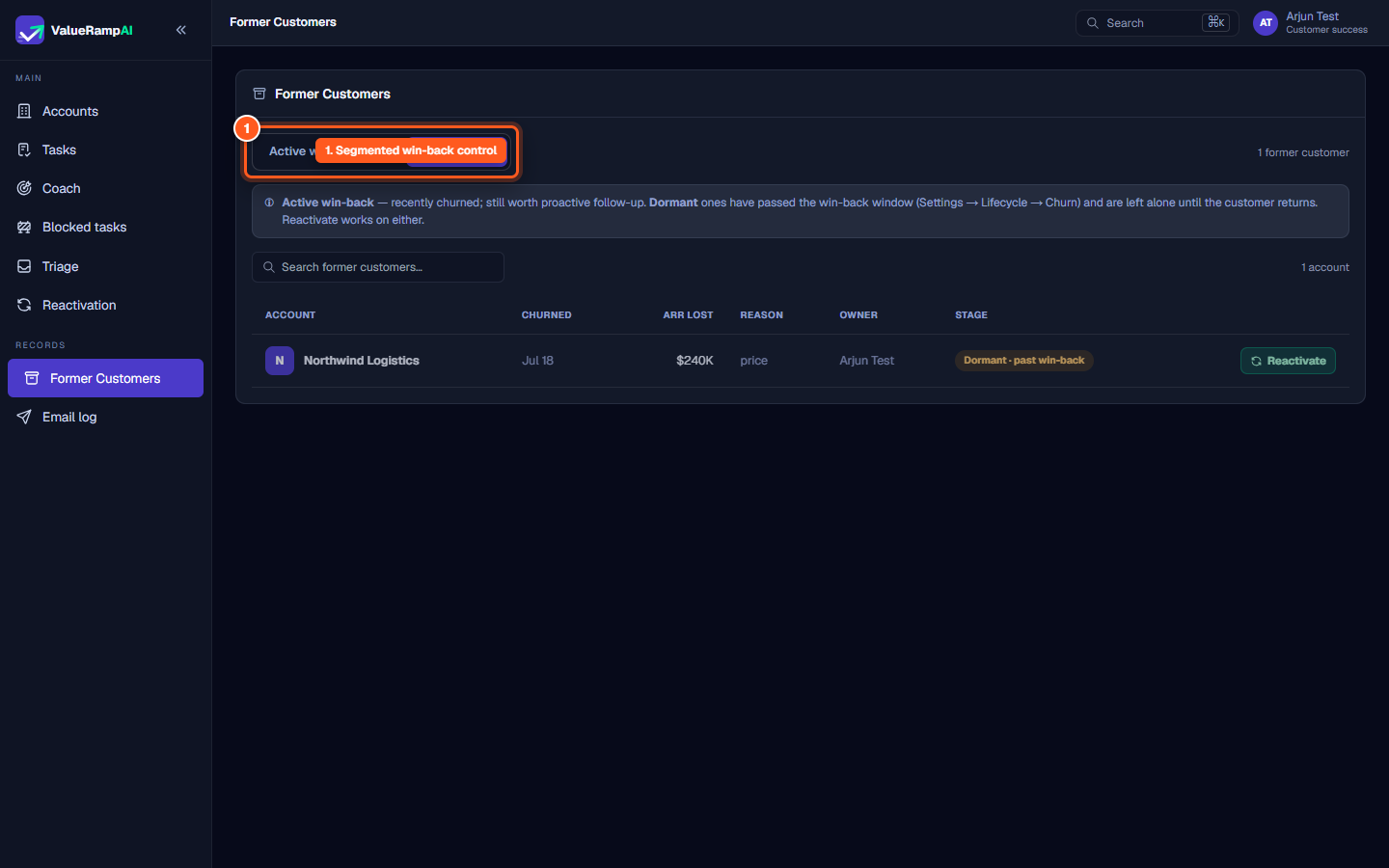
Rather than cluttering the active accounts directory, accounts in the CHURN or POST_CHURN phases are sequestered on the Former Customers page:
- Active win-back: Customers that churned recently and remain within the active win-back evaluation window. These accounts represent prime candidates for targeted outreach, product updates, or executive check-ins.
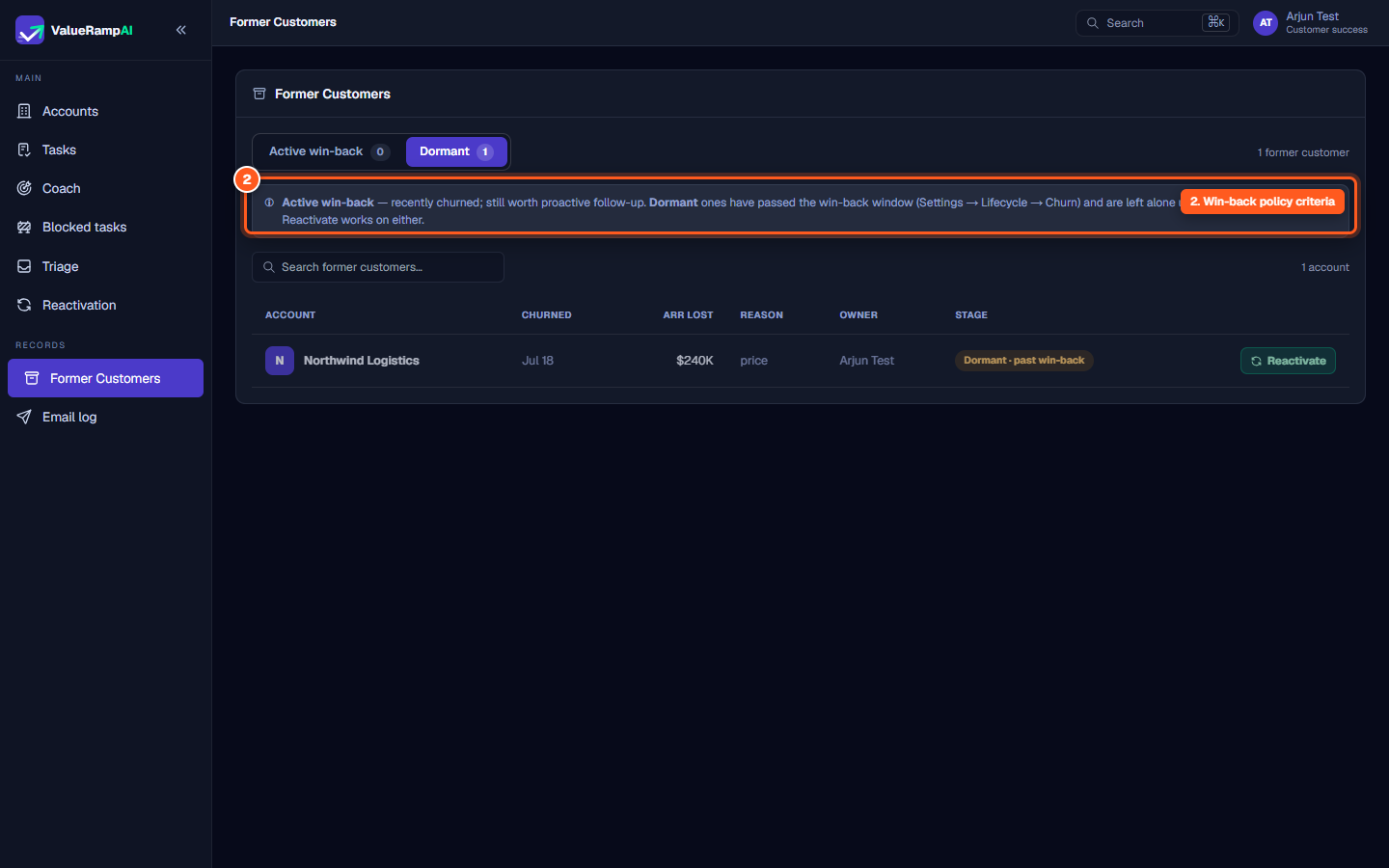
- Dormant: Accounts whose post-churn tracking window has passed without a return — 18 months from the churn date by default, set in Lifecycle settings. The nightly lifecycle run moves them here.
The former customer roster
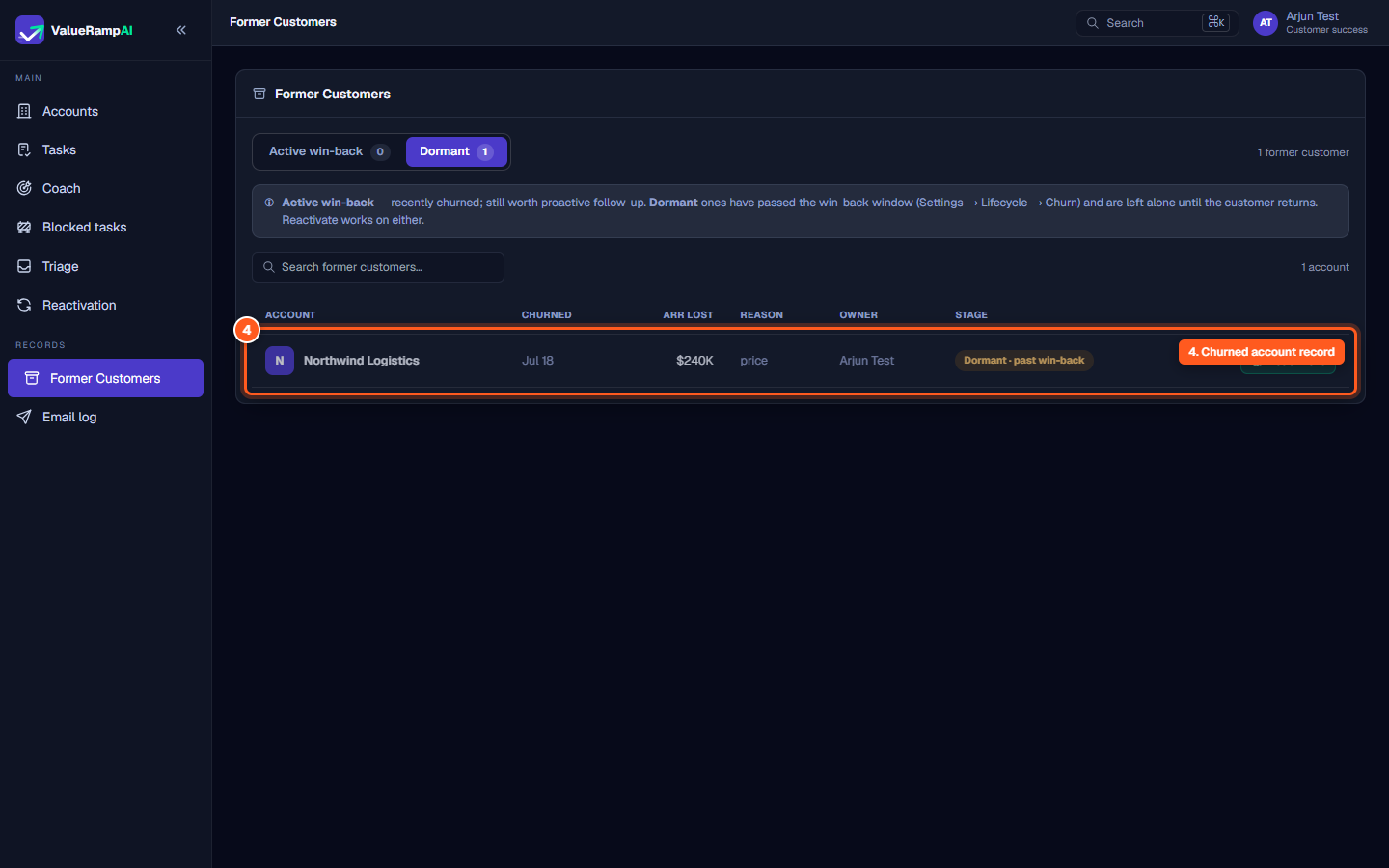
Each record in the directory displays critical churn context:
- Account & Initial: Account name and visual avatar.
- Churned: The calendar date the cancellation took effect (e.g.,
Jul 18). - ARR lost: The baseline annual recurring revenue associated with the account at the time of cancellation (e.g.,
$240,000). - Reason: The primary exit classification captured during the exit interview (e.g.,
pricing,budget_cuts,champion_departure). - Owner: The Customer Success Manager assigned to the account.
- Stage: Indicates whether the account is in active win-back or dormant past the window.
Reactivating an account
When a former customer decides to resume their partnership:
- Click the Reactivate button on the row (or deep-link via
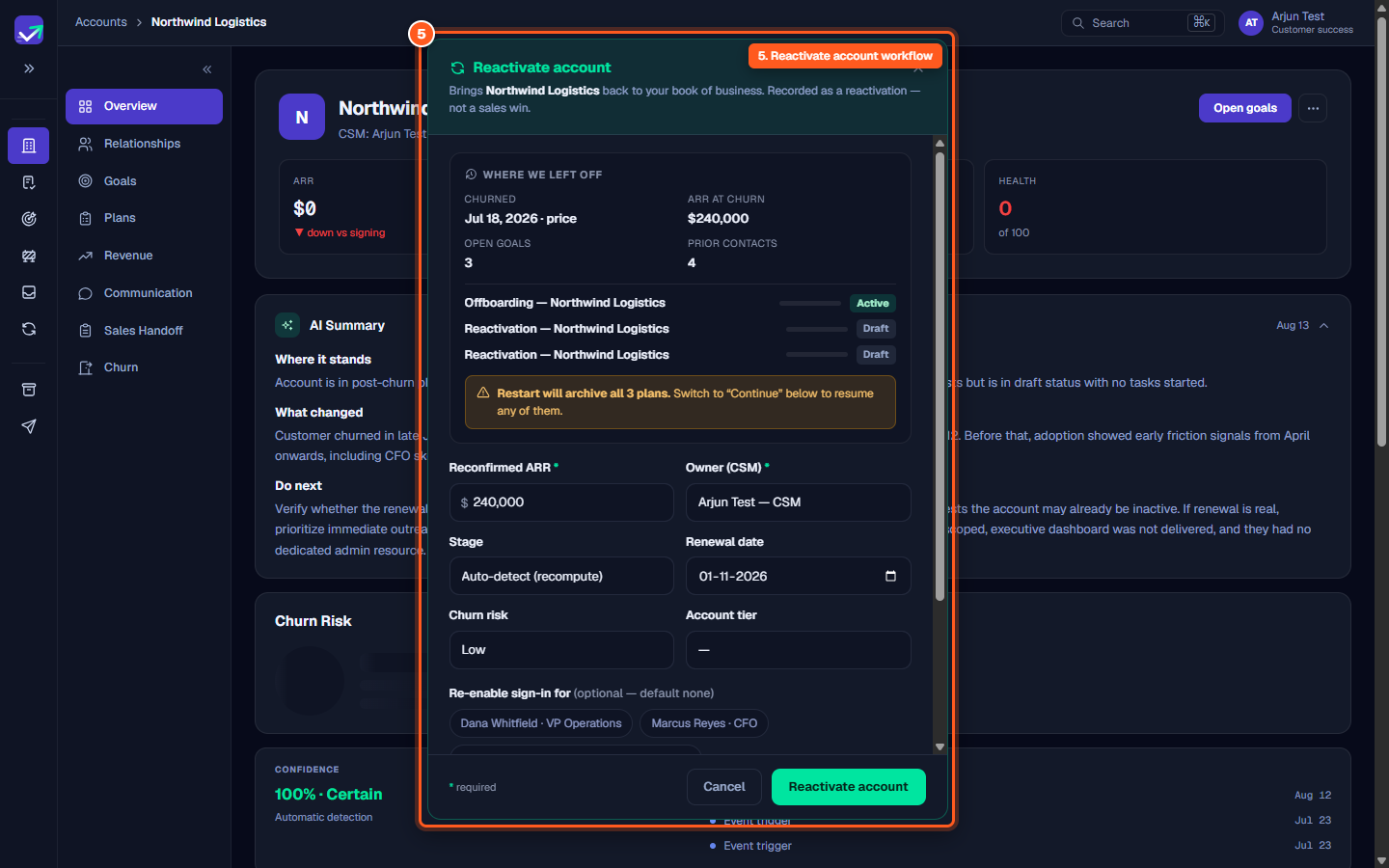
/accounts/[id]?reactivate=1). - The Reactivate account modal opens, presenting a summary of:
- Historical churn date and exit reason.
- Preserved goals, prior contacts, and past plans.
- The active offboarding plan status and draft reactivation plan.
- Confirming reactivation returns the account to the active Accounts list (
/accounts), sets the lifecycle phase you chose in the modal (or recomputes it), archives every plan that was not resumed, and records a churn recovery revenue movement.
Steps
Toggle between Active win-back and Dormant customer segments
Review the win-back lifecycle criteria and policy banner
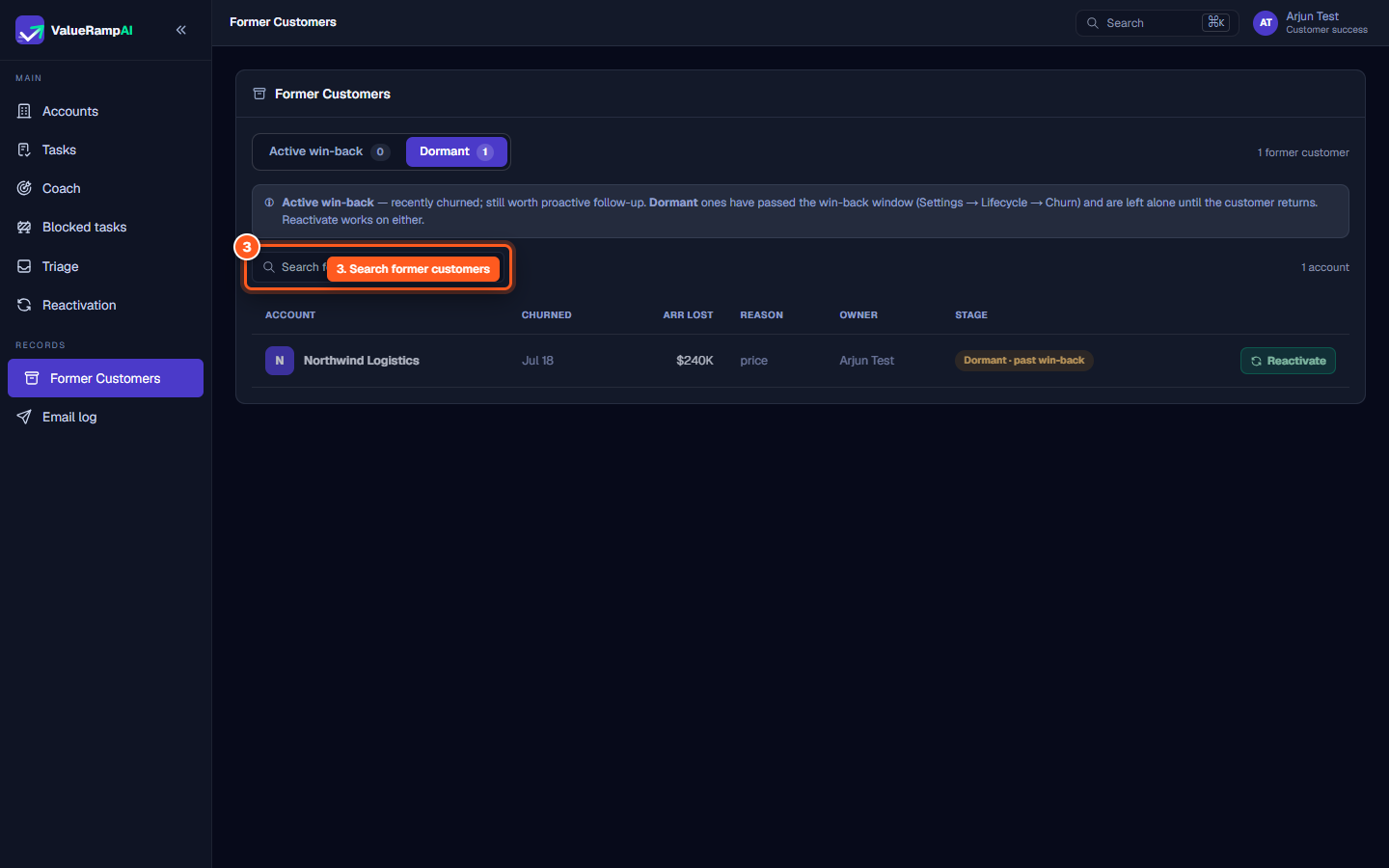
Search former accounts by company name in real time
Inspect the churned account row and historical contract metrics
Click Reactivate to launch the reactivation workflow and return the account to your portfolio
Common questions
What distinguishes an Active win-back account from a Dormant account?
Can an Onboarding Manager (OM) reactivate a former customer?
What happens to historical data when an account is reactivated?
Can I reactivate an account from both Active win-back and Dormant tabs?
Was this helpful? Tell us what was missing