Coach: what it suggests and why
Last verified 2026-09-17
Understand the Adoption Coach queue, how deterministic ranking surfaces incomplete work, role-based scoping, and recommendation decisions.
Before you start
- ValueRamp account access (CSM, Admin, or OM role)
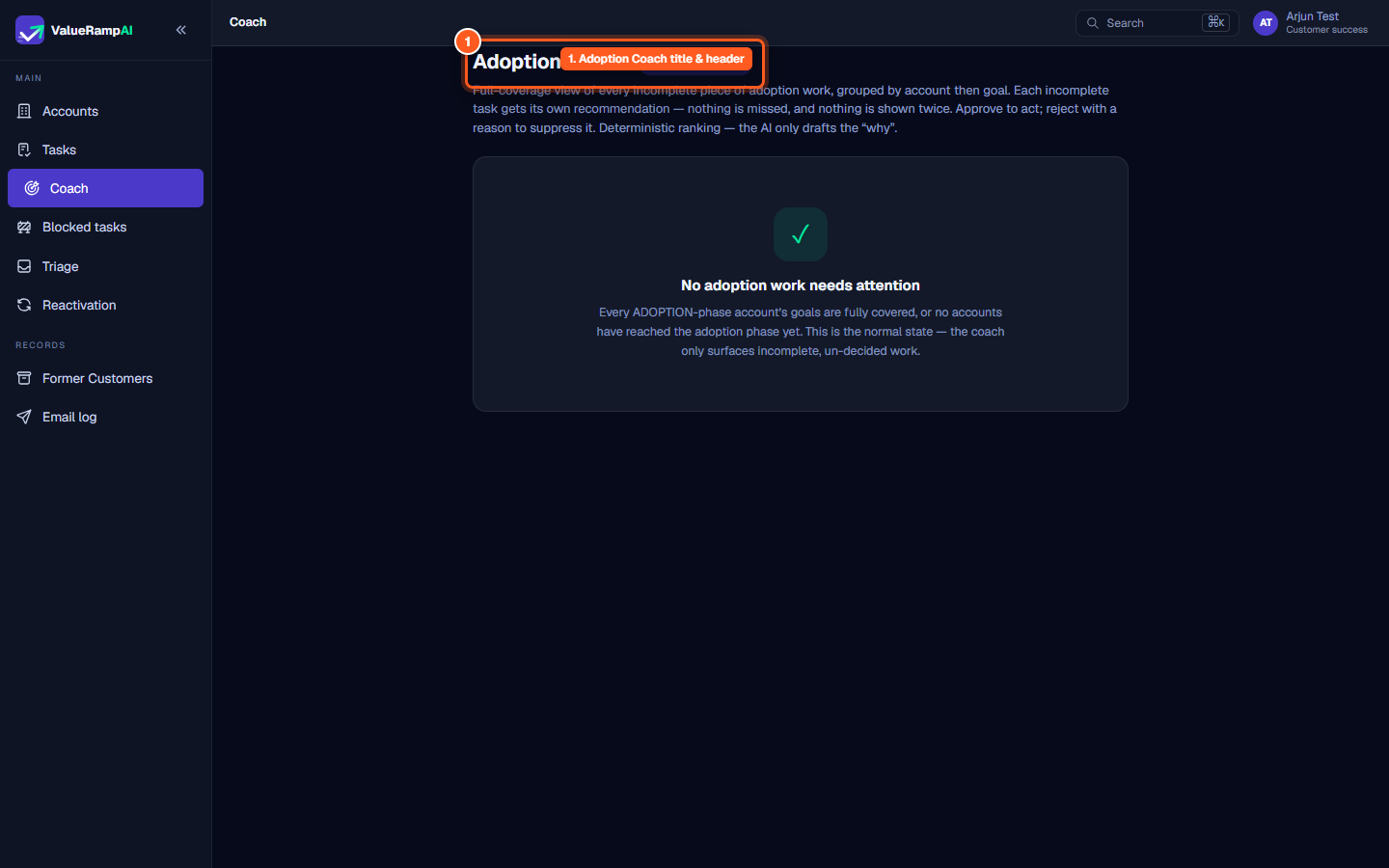
The Adoption Coach (/coach) provides an intelligent, full-coverage operational queue that diagnoses incomplete adoption work across customer accounts, grouping recommendations by account and goal to ensure momentum is never lost after customer onboarding.
Architecture: deterministic ranking with AI rationale
ValueRamp separates calculation from explanation:
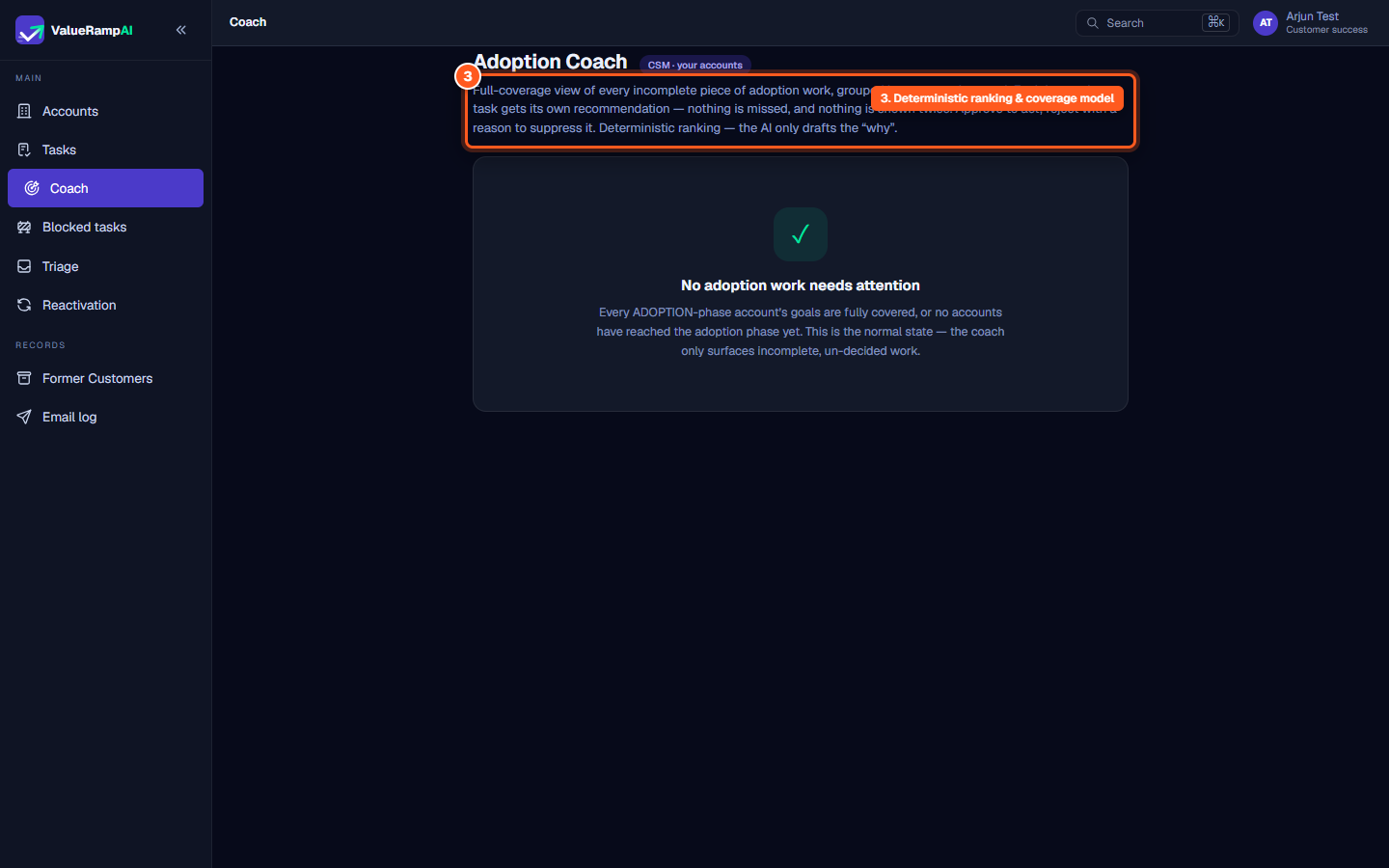
- Deterministic ranking: Recommendations are ranked by a fixed urgency score — blocked tasks first, then task pushes weighted by how long the task has been open, then uncovered goals — with a bump for negative communication sentiment. The system guarantees that every incomplete piece of adoption work gets its own recommendation: nothing is missed, and nothing is shown twice.
- AI rationale ("Why now"): The AI engine never decides what work to create or how to prioritize. Instead, it inspects the driver snapshot to draft a human-readable explanation of why the action is needed at this specific moment.
Role-based access and scoping
Access to the Coach is restricted to internal operations roles:
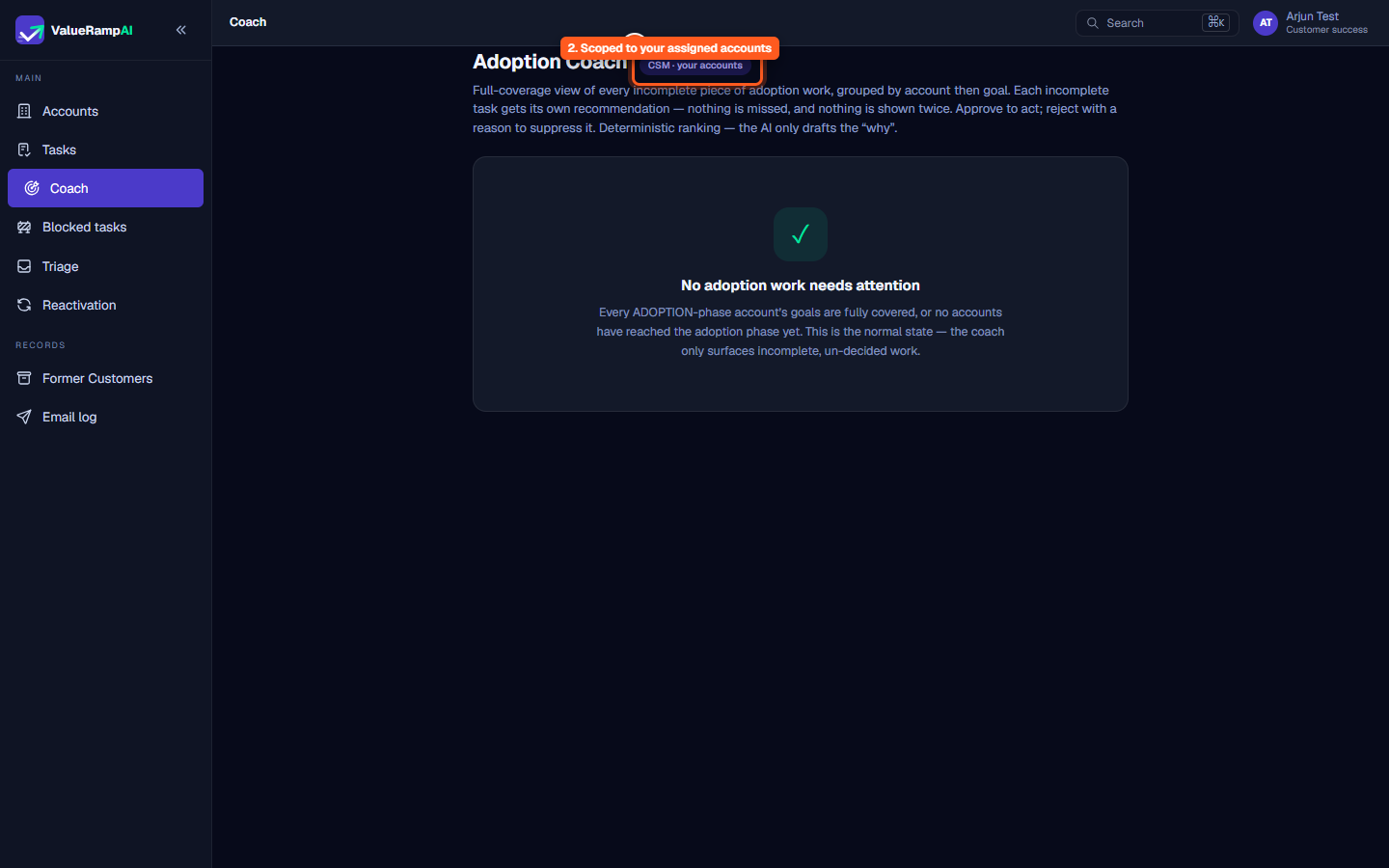
- CSM: Evaluates only accounts assigned to your book of business (
CSM · your accounts). - Onboarding Manager (OM): Scoped to accounts where you are the OM on a plan (
OM · your accounts). - Admin: Full-coverage view across every customer account in the workspace (
Admin · all accounts). - External stakeholder and customer roles (Finance, Customer, Stakeholder) have no access to the Coach surface.
The five recommendation types
When work items need attention, recommendations appear under one of five standardized categories:
- Task push (
task_push): A goal-linked task that is not yet done; older tasks rank higher. - Task blocked (
task_blocked): Flags a task impeded by an unresolved customer or internal blocker. - Goals unlinked (
goals_unlinked): Surfaces a customer goal defined in the account that has zero supporting plan tasks. - Relationship repair (
relationship_repair): The account's relationship health has fallen below 40. - Champion disengaged (
champion_disengaged): The account's champion has not been seen in a communication for more than 14 days.
Decision mechanics: Approve vs. Reject
Every recommendation card exposes two explicit decision actions:
- Approve:
- For existing tasks: Assigns the task's owner to you without creating redundant duplicate rows.
- For new work: Creates a standalone task on the account (it belongs to no plan), owned by you, with status
Pending; when the recommendation came from an uncovered goal, the task is linked to that goal. The button reads Approve → create task; for an existing task it reads Approve → assign task.
- Reject:
- Requires choosing an explicit reason enum (
Not relevant,Wrong timing,Already doing it,Disagree with the signal, orOther) plus an optional explanatory note. - Permanently suppresses the recommendation from the queue so you are never prompted with it again.
- Requires choosing an explicit reason enum (
Clean queue operational state
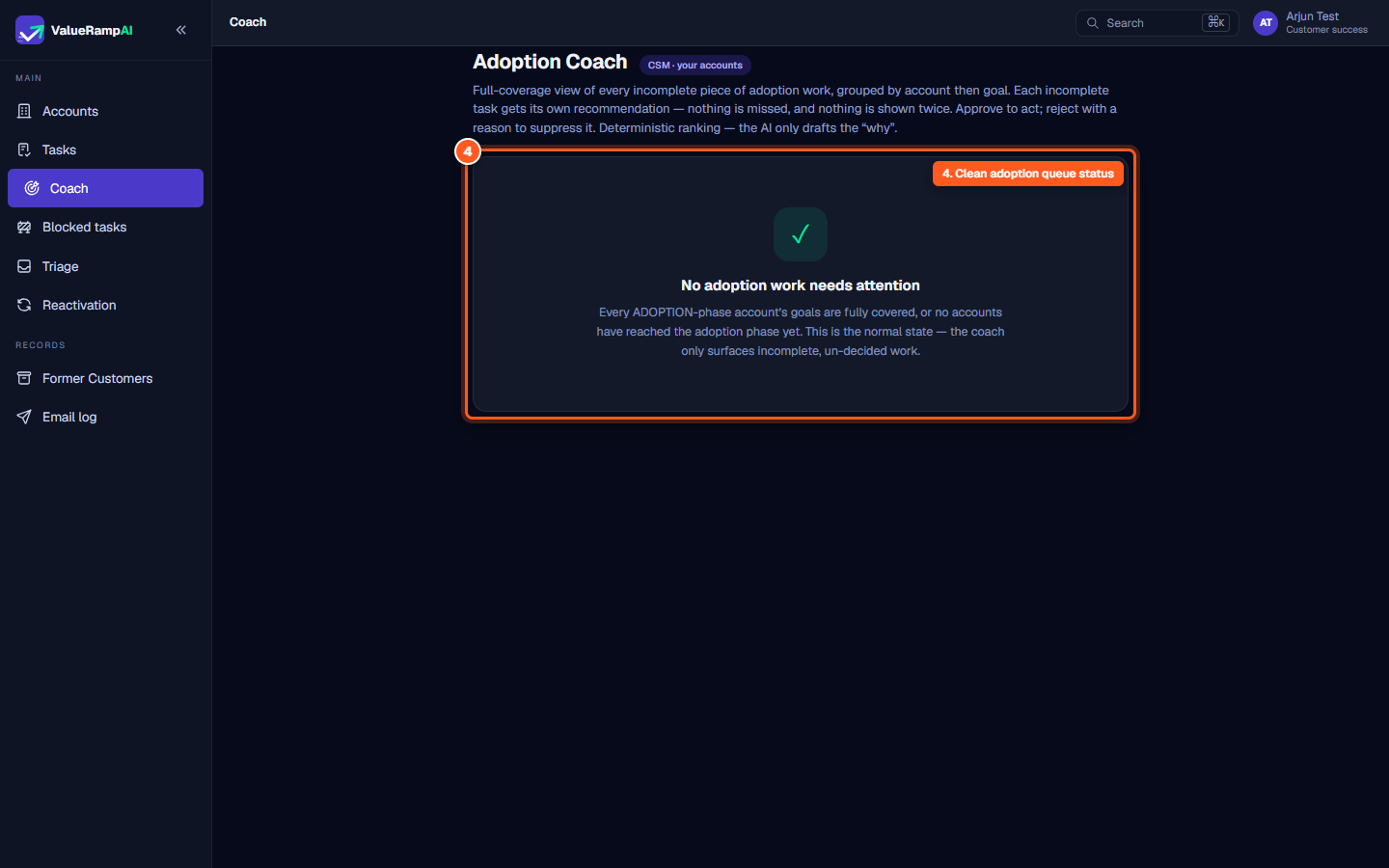
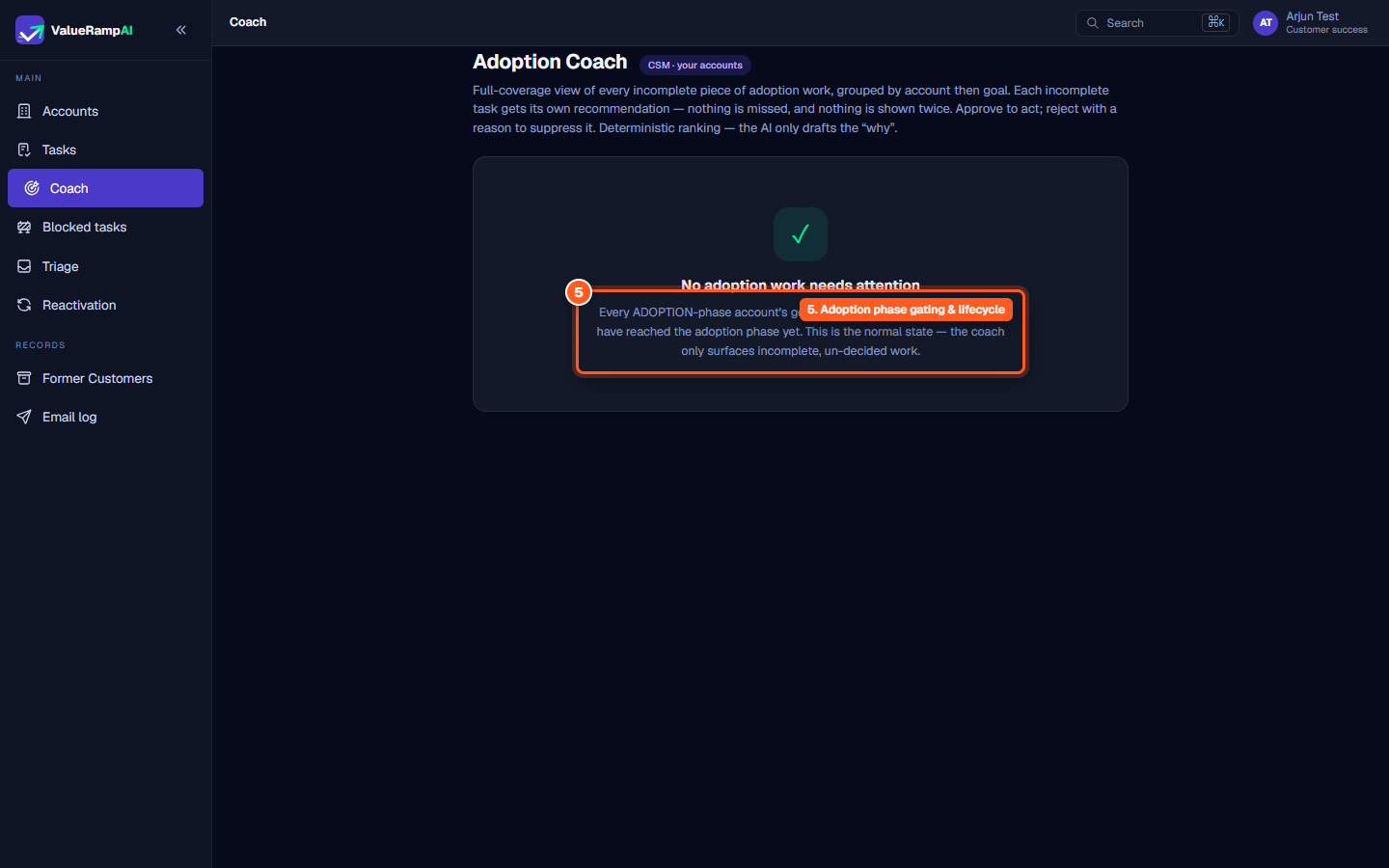
When all accounts in the Adoption phase have their goals fully covered by active deliverables and no unaddressed blockers exist, the Coach displays:
No adoption work needs attention
Every ADOPTION-phase account’s goals are fully covered, or no accounts have reached the adoption phase yet. This is the normal state — the coach only surfaces incomplete, un-decided work.
Steps
Review the Adoption Coach title and surface purpose
Verify your role-based account scoping indicator
Inspect the deterministic ranking and coverage model
Confirm clean queue operational status
Review adoption phase gating and lifecycle rules
Common questions
What types of recommendations does the Adoption Coach generate?
What happens when I approve a recommendation?
Can I dismiss a recommendation I disagree with?
Why does the coach say 'No adoption work needs attention'?
Was this helpful? Tell us what was missing