Goals and your subscription
Last verified 2026-09-18
Track strategic business outcomes, verify delivered success milestones, and monitor your subscription tier and contract visibility.
Before you start
- ValueRamp customer portal login
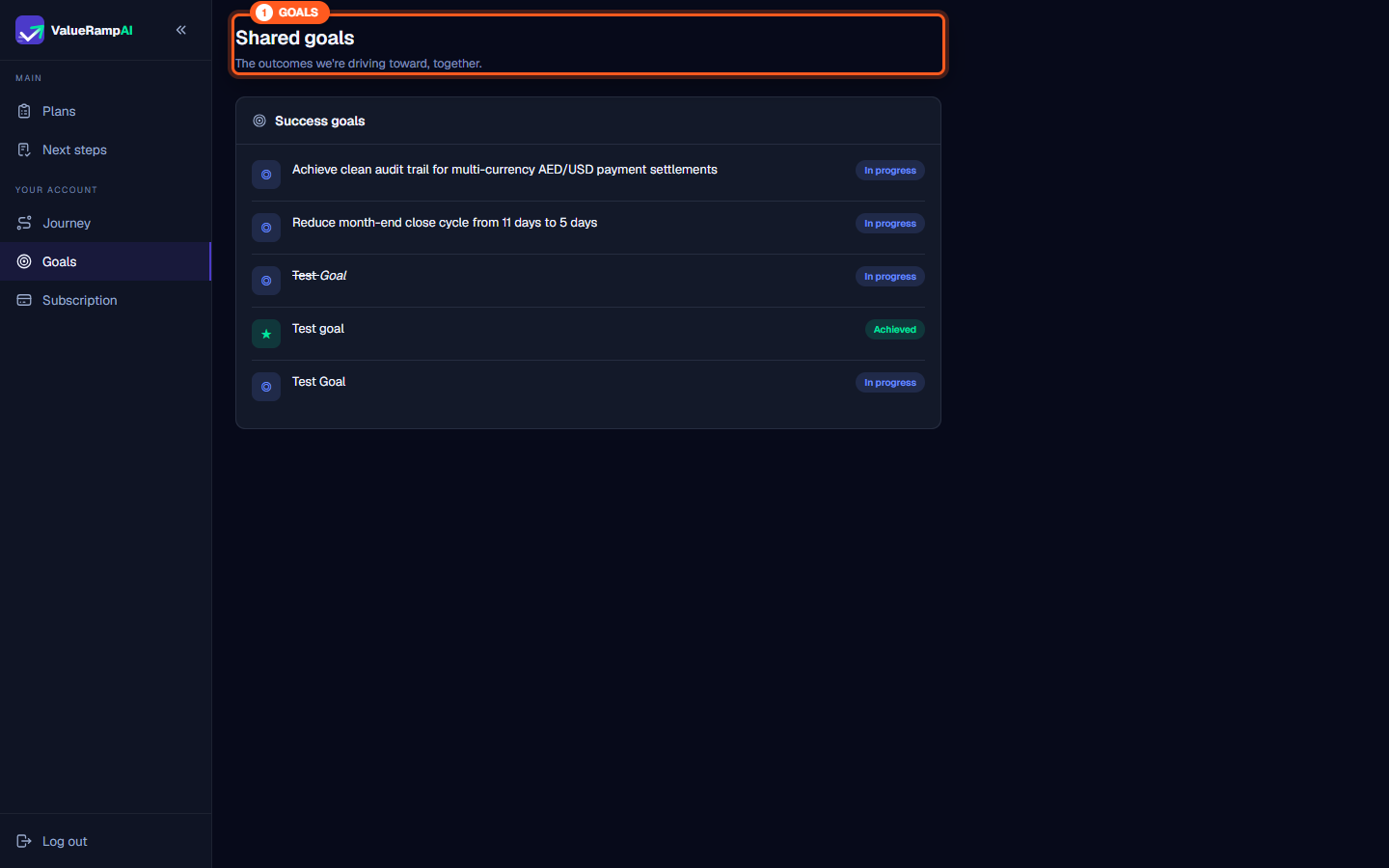
The Shared goals (/workspace/goals) and Your subscription (/workspace/subscription) screens provide transparency into the strategic and commercial dimensions of your partnership. While delivery plans manage project tasks and execution milestones, these account views connect everyday work to high-level return on investment (ROI) and contract commitments.
Tracking shared success goals
The Shared goals screen highlights the measurable outcomes your organization partnered with your vendor to achieve.
Understanding goal structures
Every goal listed in your customer portal includes:
- Outcome statement: Clear, quantitative business objectives defined during executive sales handoff or onboarding kickoff (such as reducing cycle times, automating audit workflows, or consolidating disparate tools).
- Status badge:
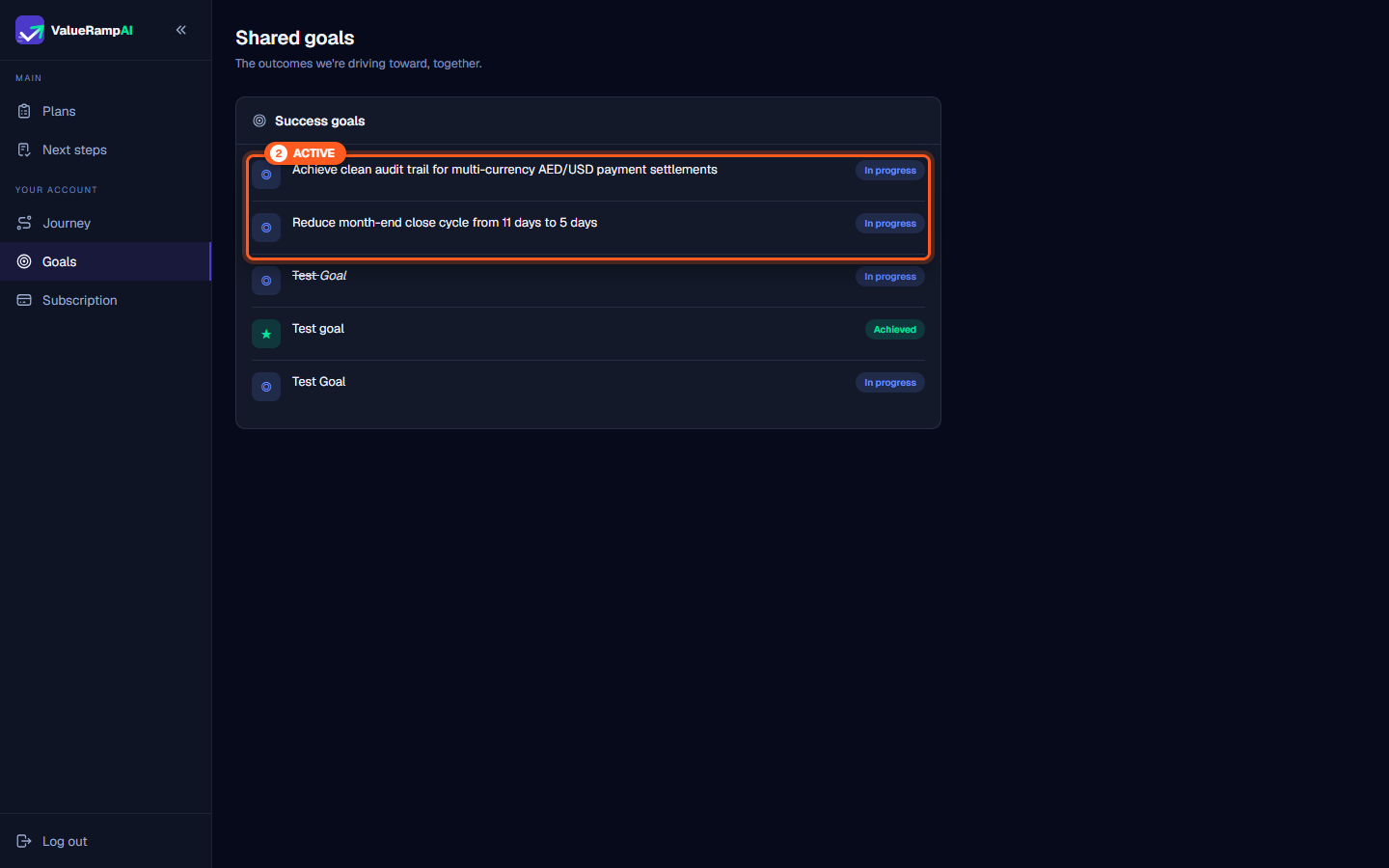
- In progress: The goal is open.
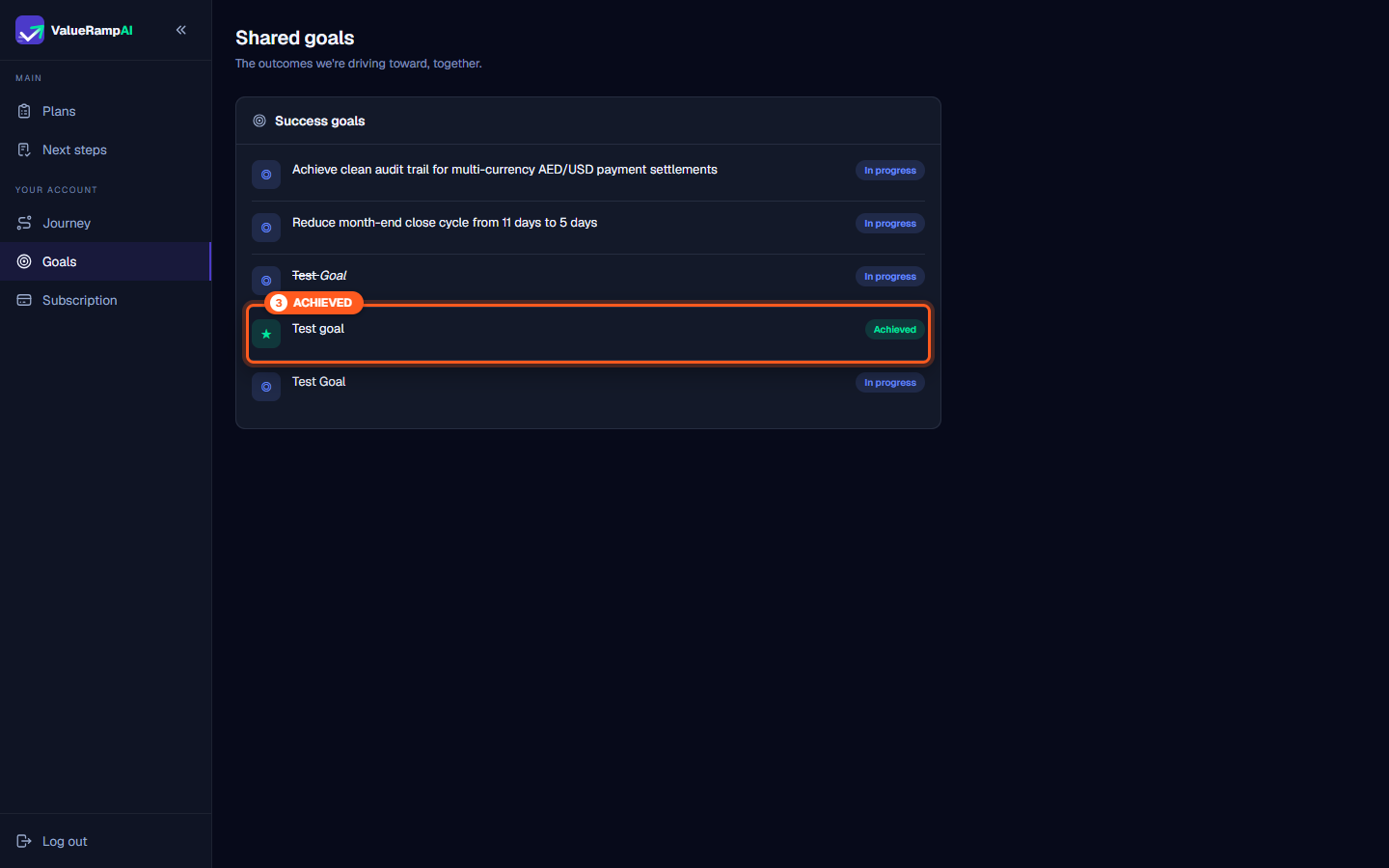
- Achieved: Your success team has marked it achieved.
Aligning delivery with business outcomes
When onboarding milestones or optimization plans are executed, your Customer Success Manager updates the corresponding goals. During Quarterly Business Reviews (QBRs), these records substantiate executive ROI reporting and validate platform value ahead of renewal windows.
Reviewing your subscription details
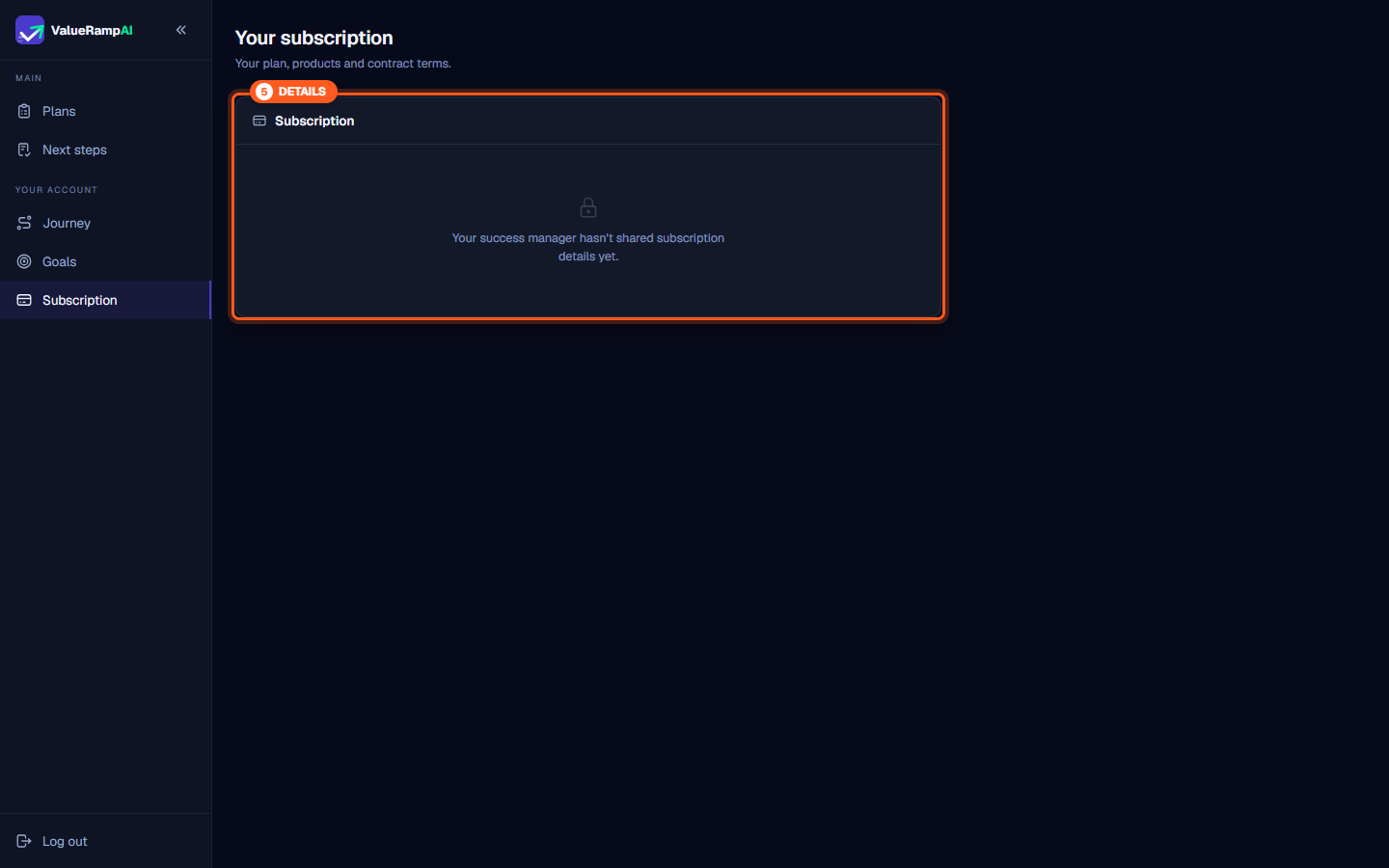
The Your subscription screen shows the products and contract terms your vendor has recorded for your account.
Commercial transparency
Depending on your account configuration:
- Recorded details: Each product on your account with its seat count (or Flat fee), and the contract terms that are filled in: billing frequency, payment terms, contract start, contract end, and currency.
- Nothing recorded yet: If no commercial details have been recorded on your account, the view displays: "Your success manager hasn't shared subscription details yet."
If you need contract clarifications, seat expansions, or renewal information while this prompt is visible, reach out directly to your dedicated Customer Success Manager.
Steps
Access Shared goals to review mutual business outcomes and success criteria
Track active milestones and verify in-progress implementation targets
Review delivered milestones marked with the Achieved status badge
Navigate to Your subscription to review contract terms and licensed modules
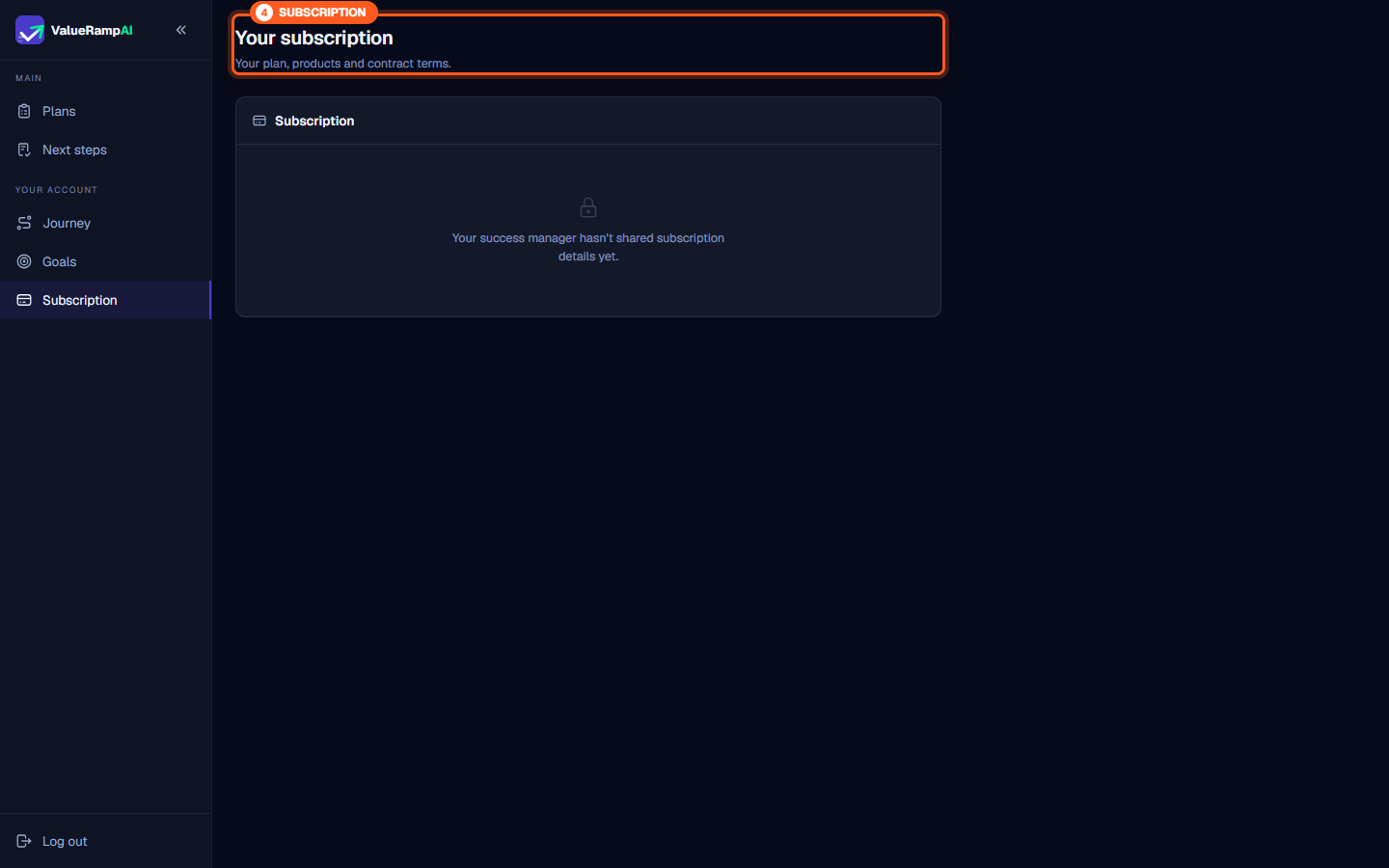
Check subscription visibility and await shared commercial details from your CSM
Common questions
Who creates and updates the goals in 'Shared goals'?
What is the difference between an in-progress goal and an achieved goal?
Why does the Subscription screen say details haven't been shared yet?
Can customer users add new goals directly from the portal?
Was this helpful? Tell us what was missing