Your journey
Last verified 2026-09-18
Track your five-stage customer lifecycle roadmap, verify delivered launch milestones, and review partnership narratives on the Your Journey screen.
Before you start
- ValueRamp customer portal login
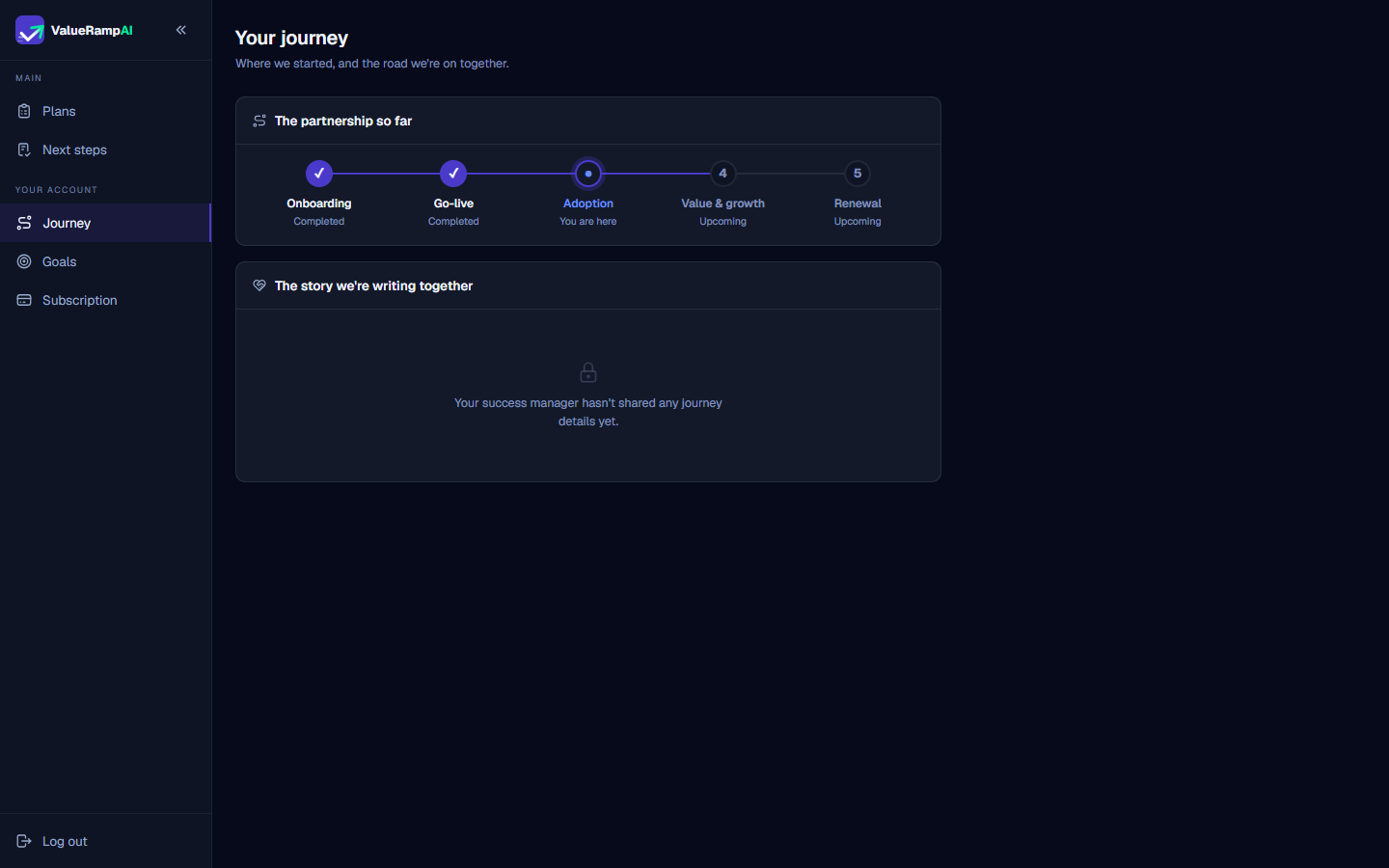
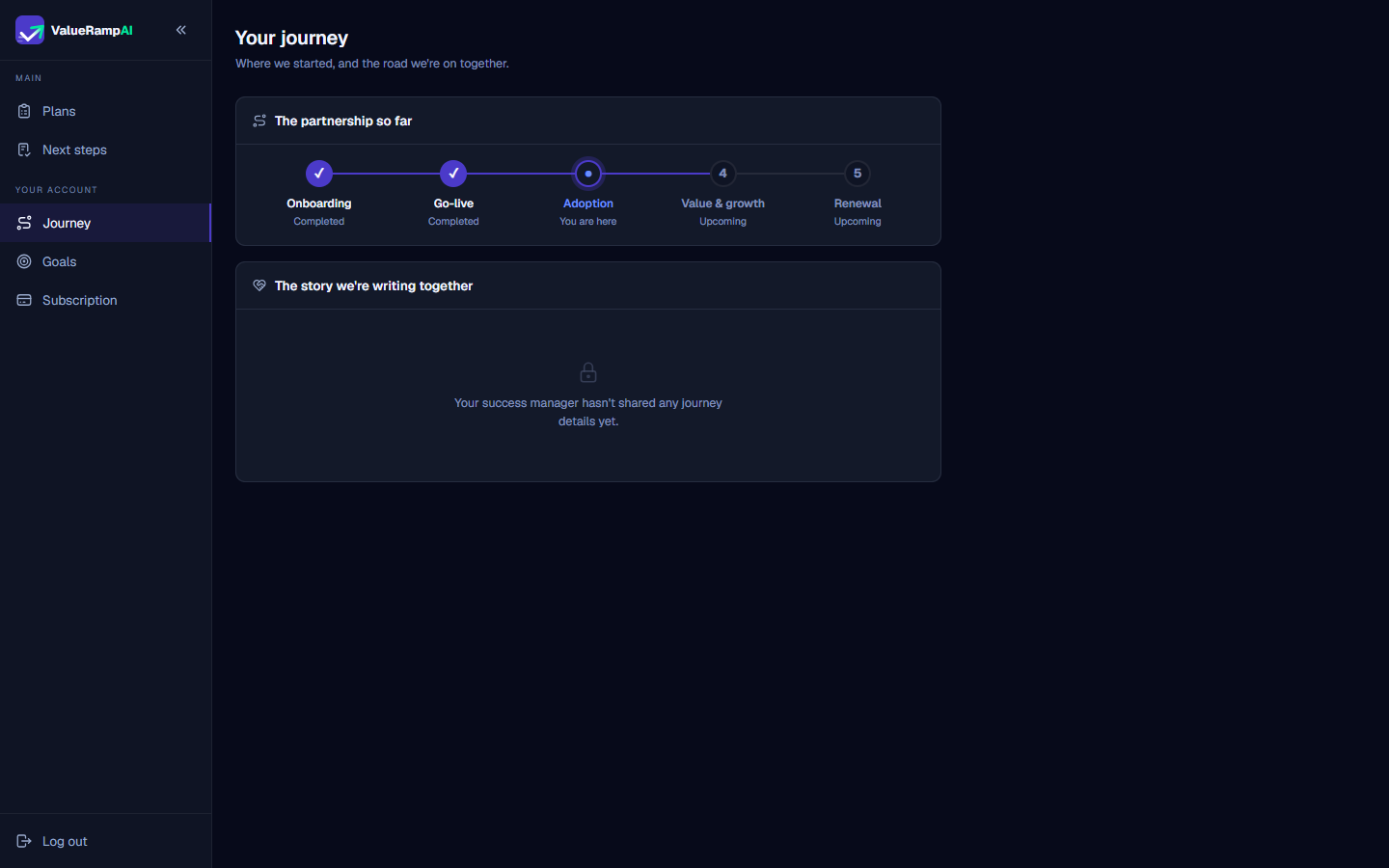
The Your journey screen (/workspace/journey) provides high-level executive perspective on your relationship with your vendor. While individual plans and task lists handle day-to-day delivery details, the Journey view tracks the strategic phases of your software adoption over quarters and years.
The five customer lifecycle stages
ValueRamp structures the vendor-customer partnership into five clear stages:
- Onboarding: Implementation kickoff, technical architecture configuration, system integrations, and administrative training.
- Go-live: Initial platform deployment to end users, production cutover, and operational launch sign-off.
- Adoption (Current stage): Driving active utilization, employee enablement, workflow compliance, and measuring early process efficiencies.
- Value & growth: Realizing target business ROI, unlocking advanced modules, workflow optimization, and executive impact reviews.
- Renewal: Formal contract evaluation, partnership retrospective, and establishing objectives for subsequent contract terms.
Milestone tracking and shared narrative
Verified progress
Stages with checkmarks (✓) are the ones before your current lifecycle phase. You are here marks the current one; the Renewal step shows your renewal date when one is recorded.
The story we're writing together
Below the timeline, The story we're writing together shows the handoff notes your success team chose to share: The problem we're solving together, What was committed, and Why you chose us.
Steps
Access Your journey to visualize your long-term partnership progression
Verify completed Onboarding and Go-live delivery milestones
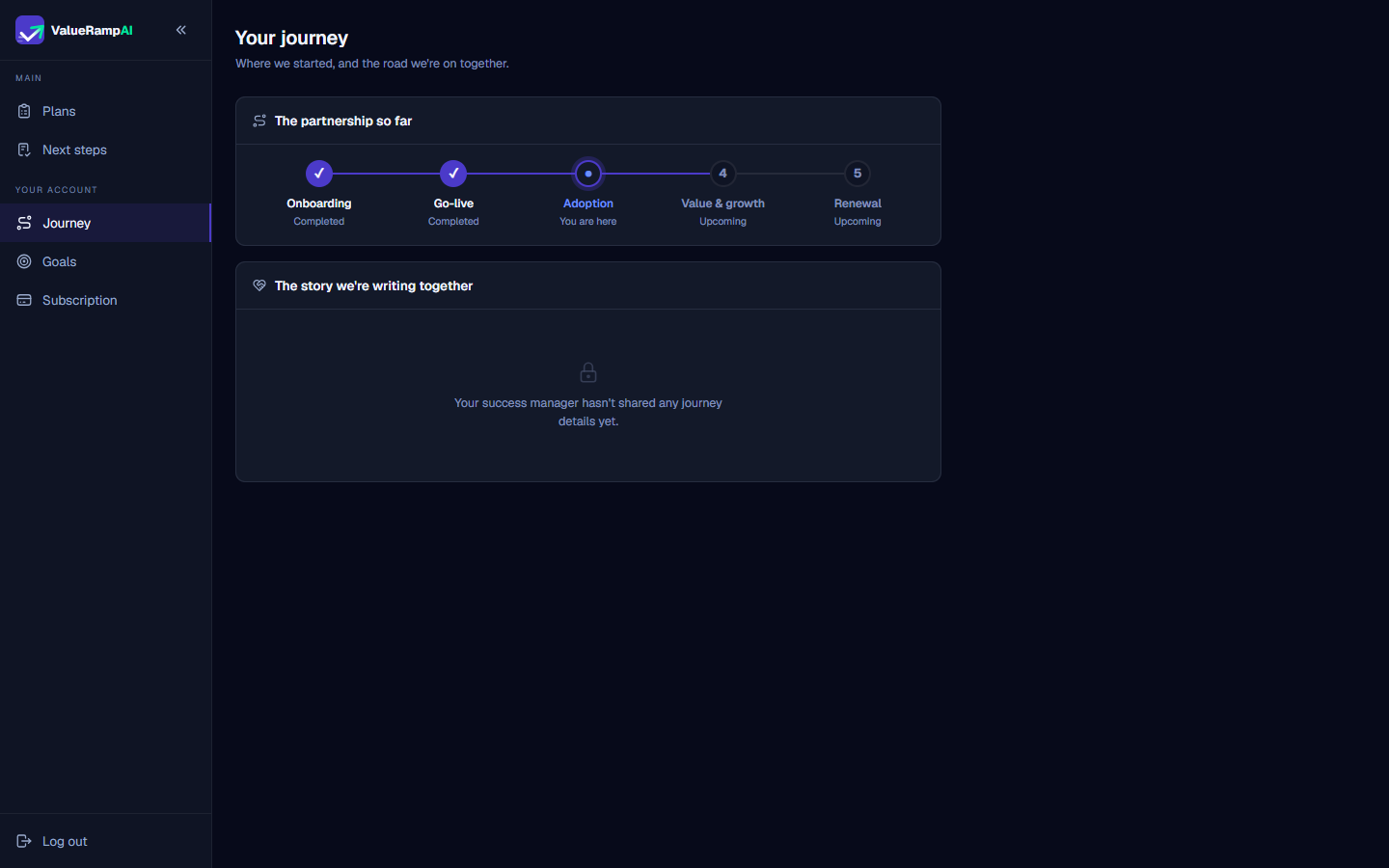
Identify your active relationship stage in the lifecycle timeline
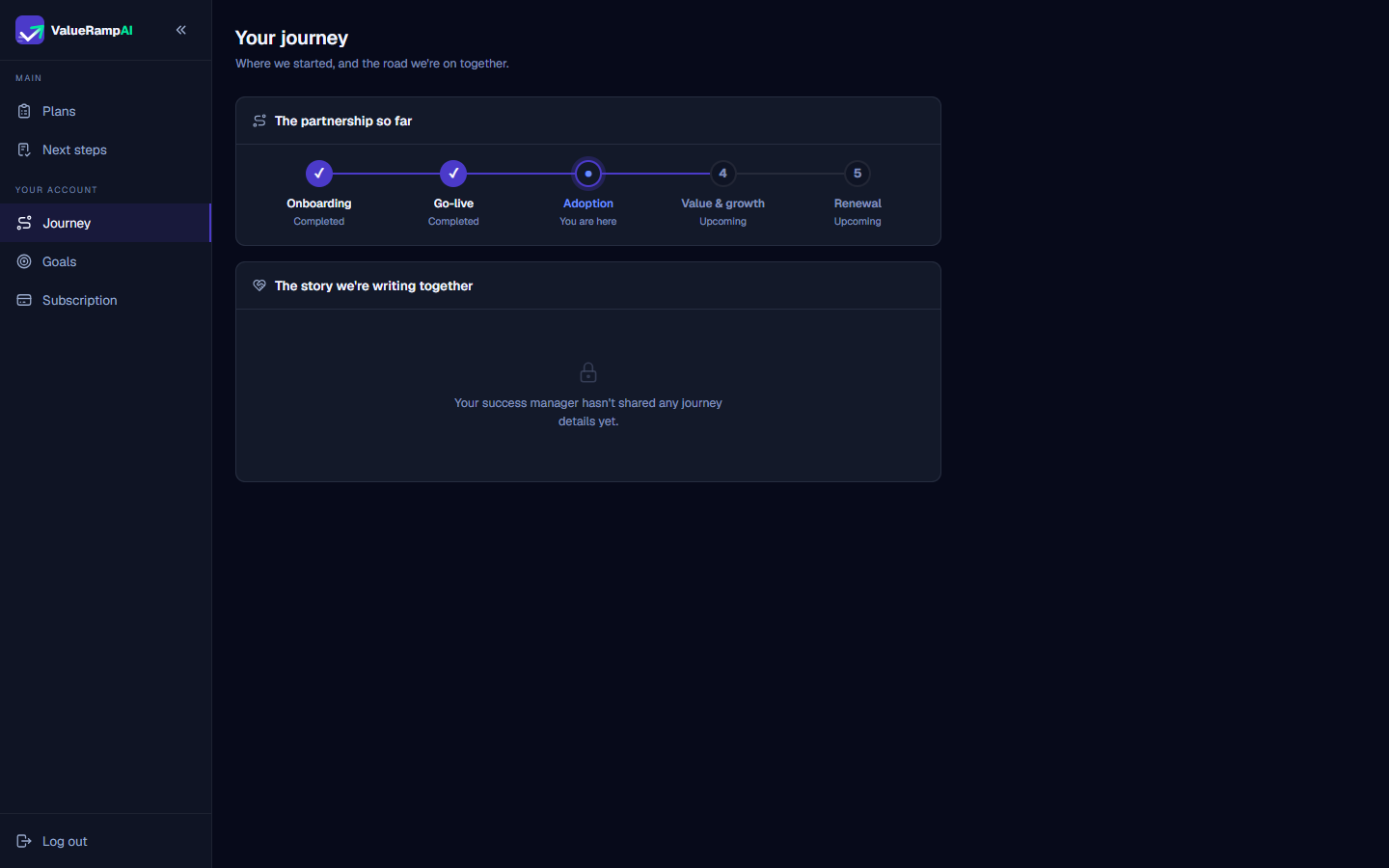
Anticipate upcoming Value & Growth and Renewal horizons
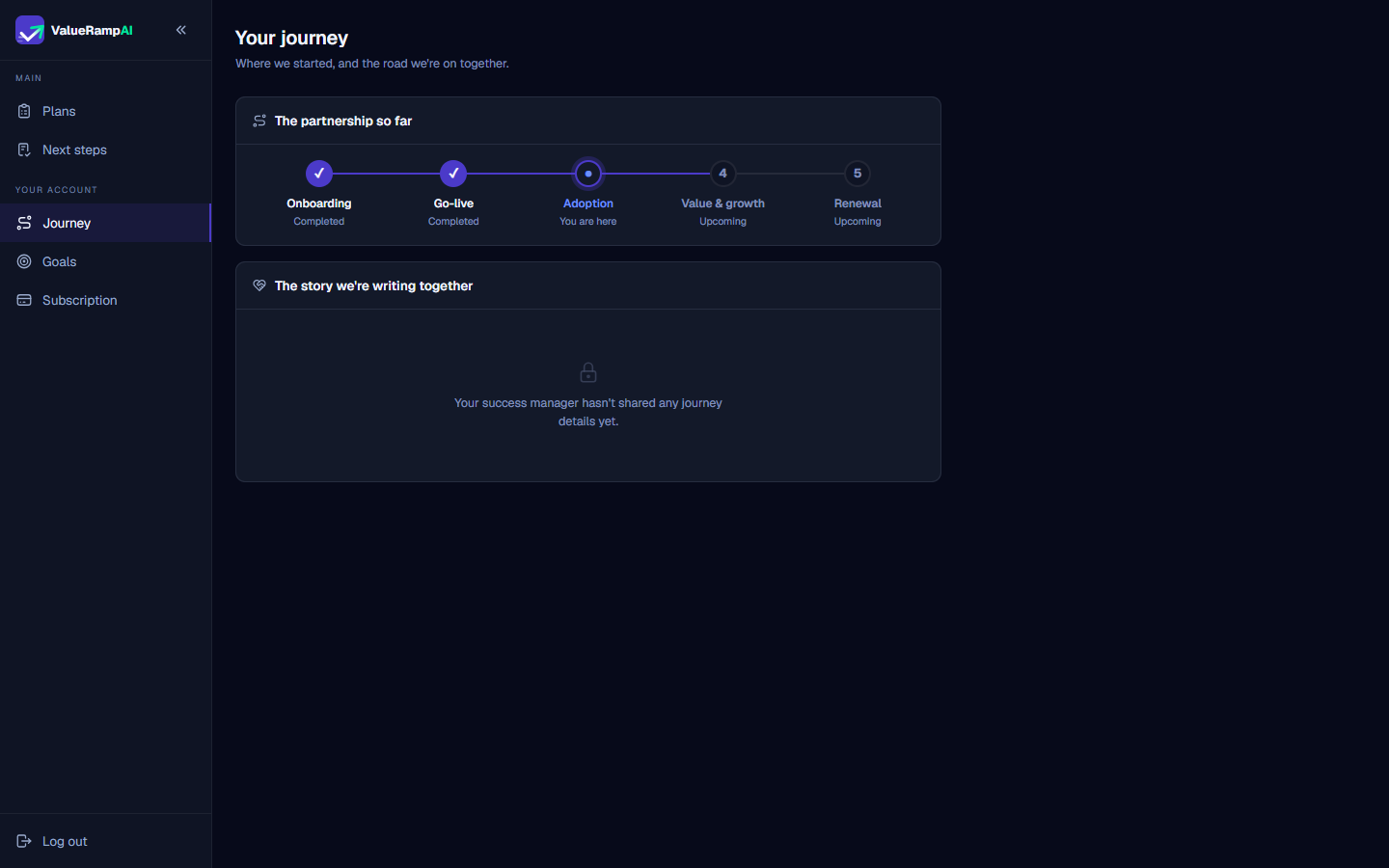
Review collaborative milestone narratives in The story we're writing together
Common questions
What are the five stages of the ValueRamp customer journey?
How is my organization's active journey stage determined?
What appears in 'The story we're writing together'?
Can customer stakeholders edit the journey milestones?
Was this helpful? Tell us what was missing