Sign in to ValueRamp
Last verified 2026-09-17
Sign in to your ValueRamp workspace using your work email and password or your company Google or Microsoft account.
Before you start
- An active ValueRamp user account
- An invitation to a ValueRamp workspace
Sign in to access your ValueRamp workspace, manage customer health, review adoption milestones, and execute post-sales playbooks.
You can authenticate using your email and password, or connect via your organization's Google or Microsoft workspace account. If your account belongs to more than one workspace, you will choose which workspace to access immediately after signing in.
Steps
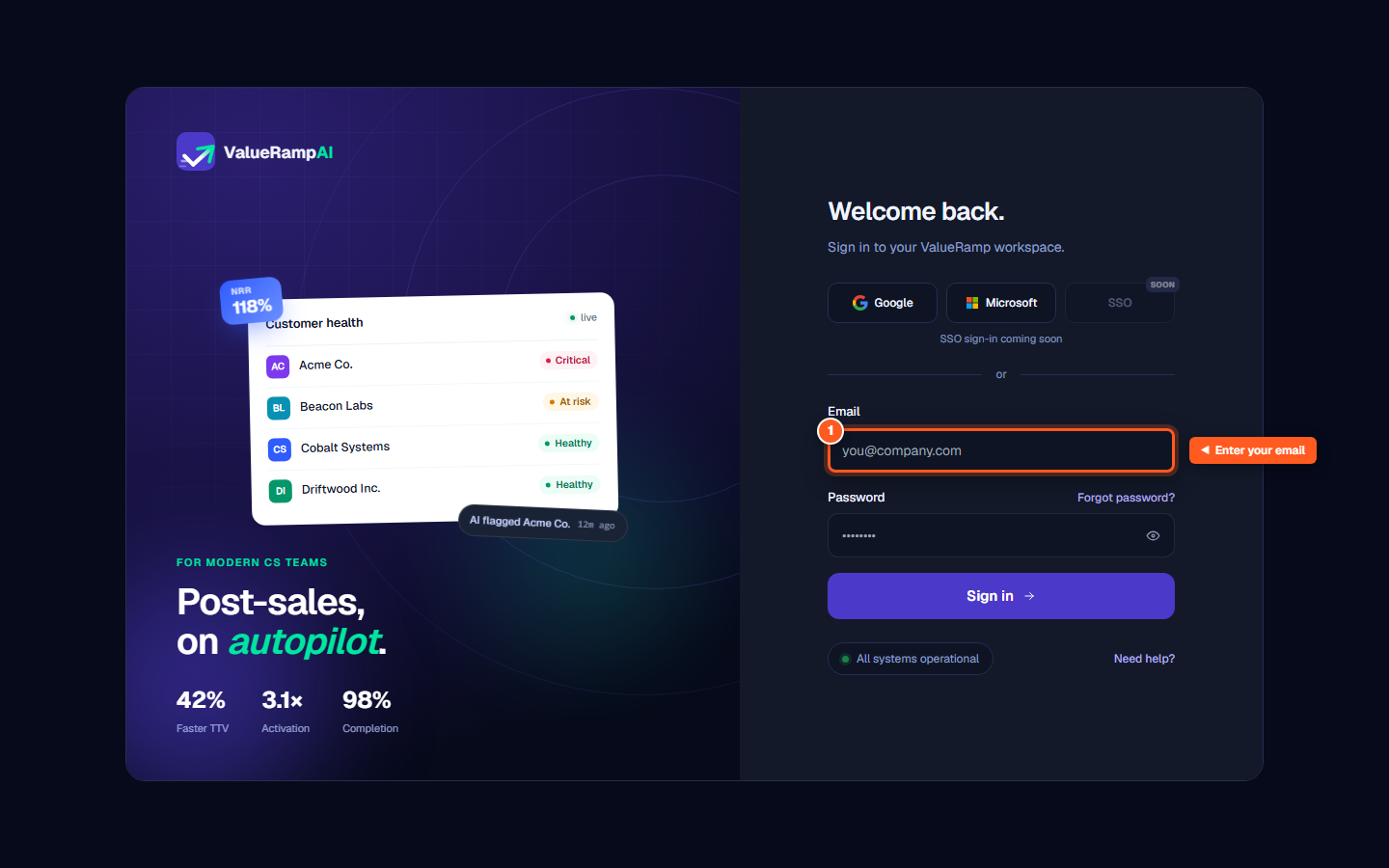
Enter your work email address in the 'Email' field
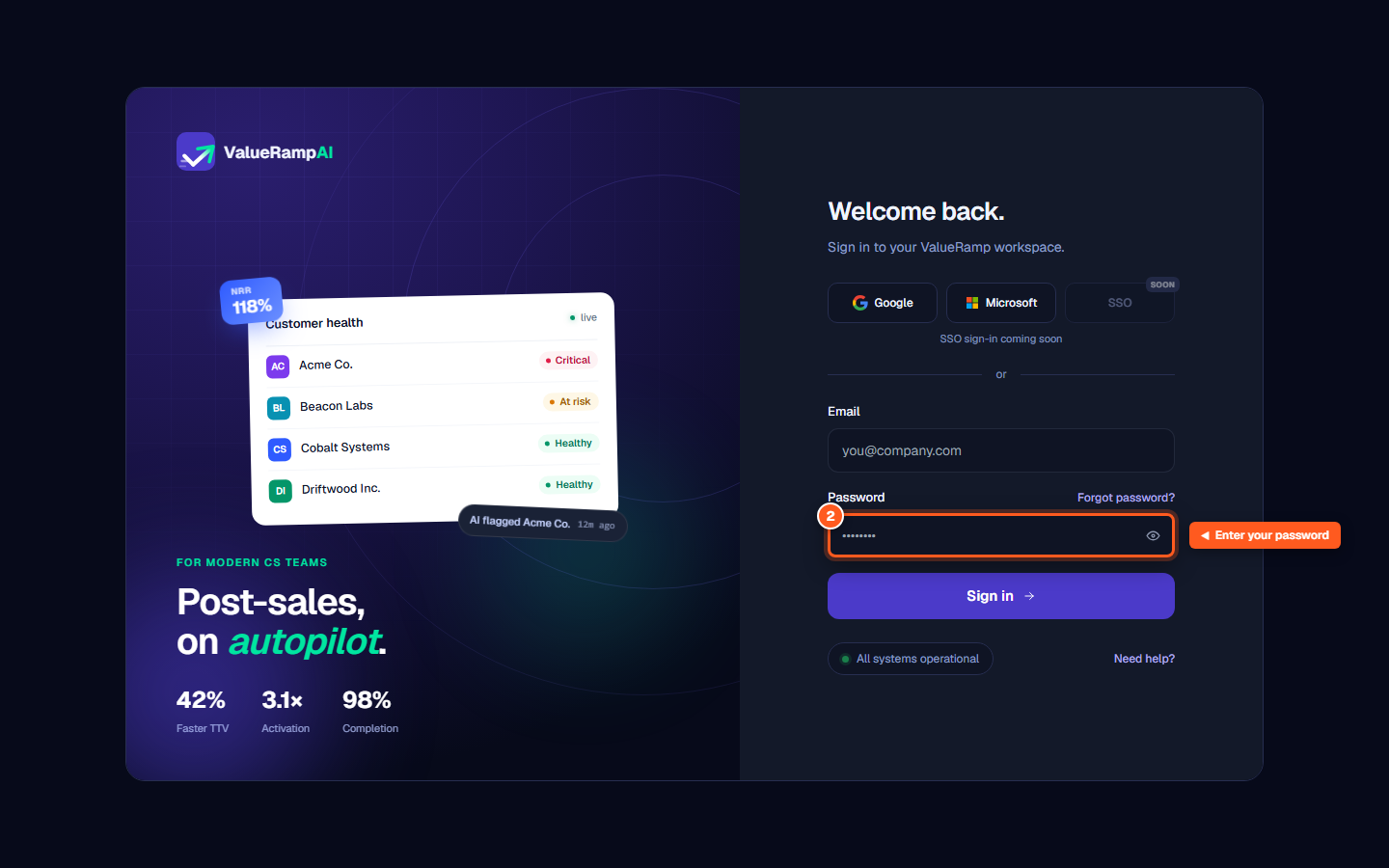
Enter your password in the 'Password' field
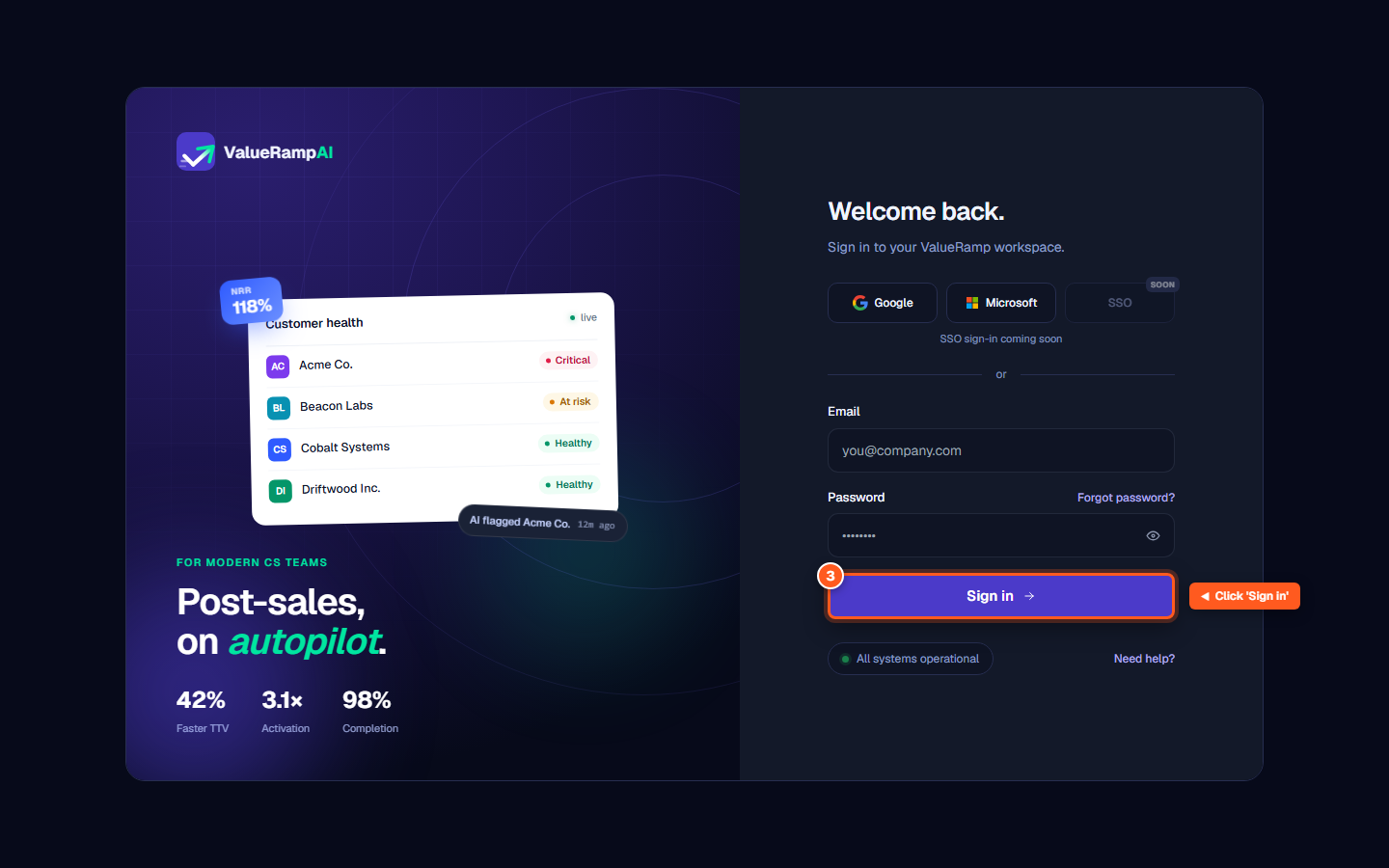
Click 'Sign in' to enter your workspace
Common questions
What should I do if I forgot my password?
Type your email address in the Email field, then click 'Forgot password?' above the password box. The reset link is sent straight away and a confirmation appears on the page.
Can I sign in with Google or Microsoft?
Yes. Click 'Google' or 'Microsoft' at the top of the sign-in card to authenticate using your corporate identity provider.
Why was I redirected to choose a workspace?
If your user profile belongs to multiple organizations, ValueRamp prompts you to select which workspace to open right after authentication.
Was this helpful? Tell us what was missing