Find any screen with ⌘K
Last verified 2026-09-17
Jump to any page, settings panel, or operational workflow instantly using the ValueRamp global Command Palette.
Before you start
- An active ValueRamp user account
The ValueRamp global Command Palette lets you navigate across your entire workspace without taking your hands off the keyboard. Whether you need to jump to a specific integration, open workspace lifecycle settings, or review your customer accounts roster, the palette gives you direct keyboard-driven navigation from any page.
How to use the Command Palette
Opening the palette
You can summon the Command Palette at any time:
- Keyboard: Press
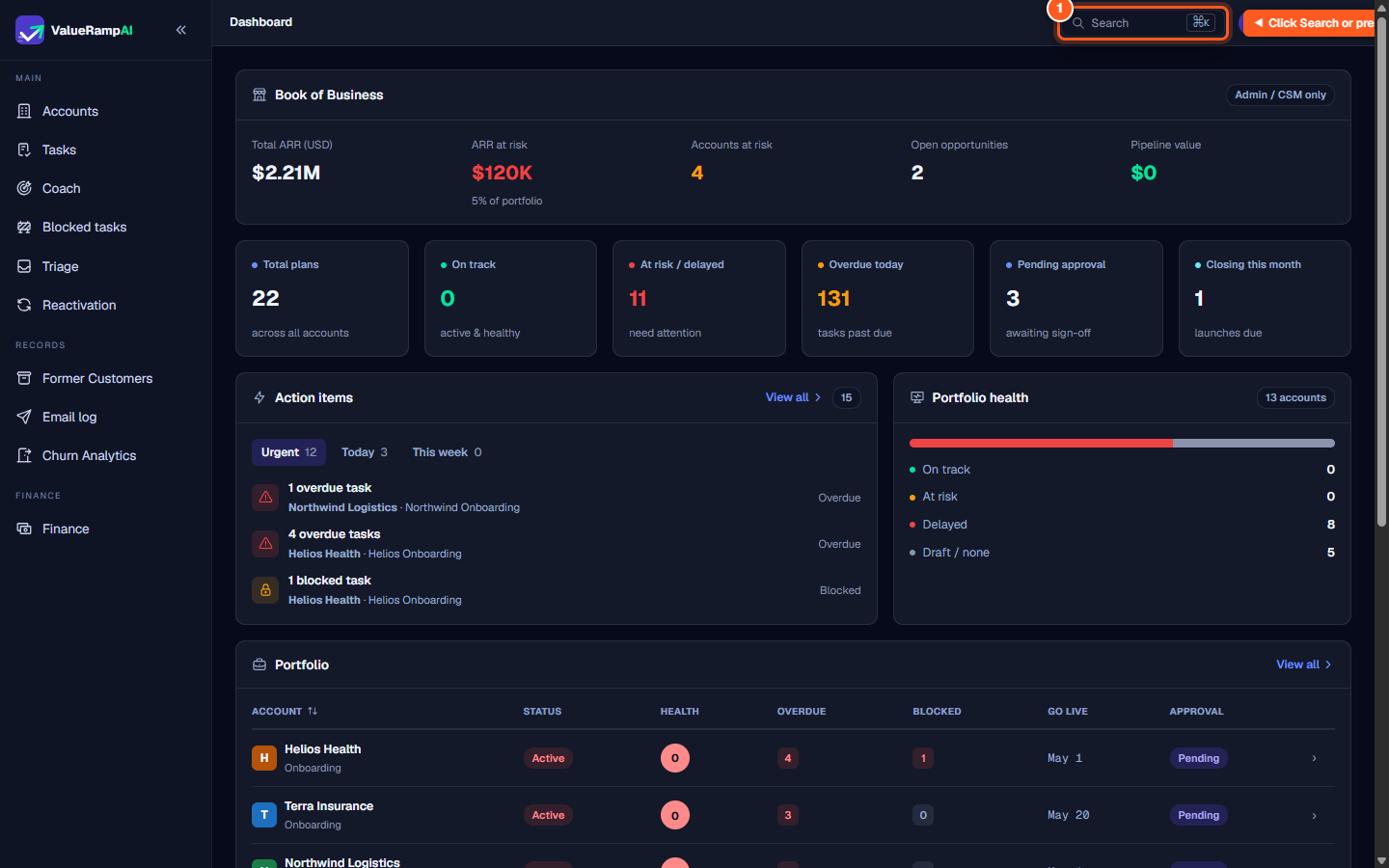
⌘Kon macOS orCtrl+Kon Windows. - Header launcher: Click the Search ⌘K button located in the top navigation header on any portal screen.
Searching and navigating
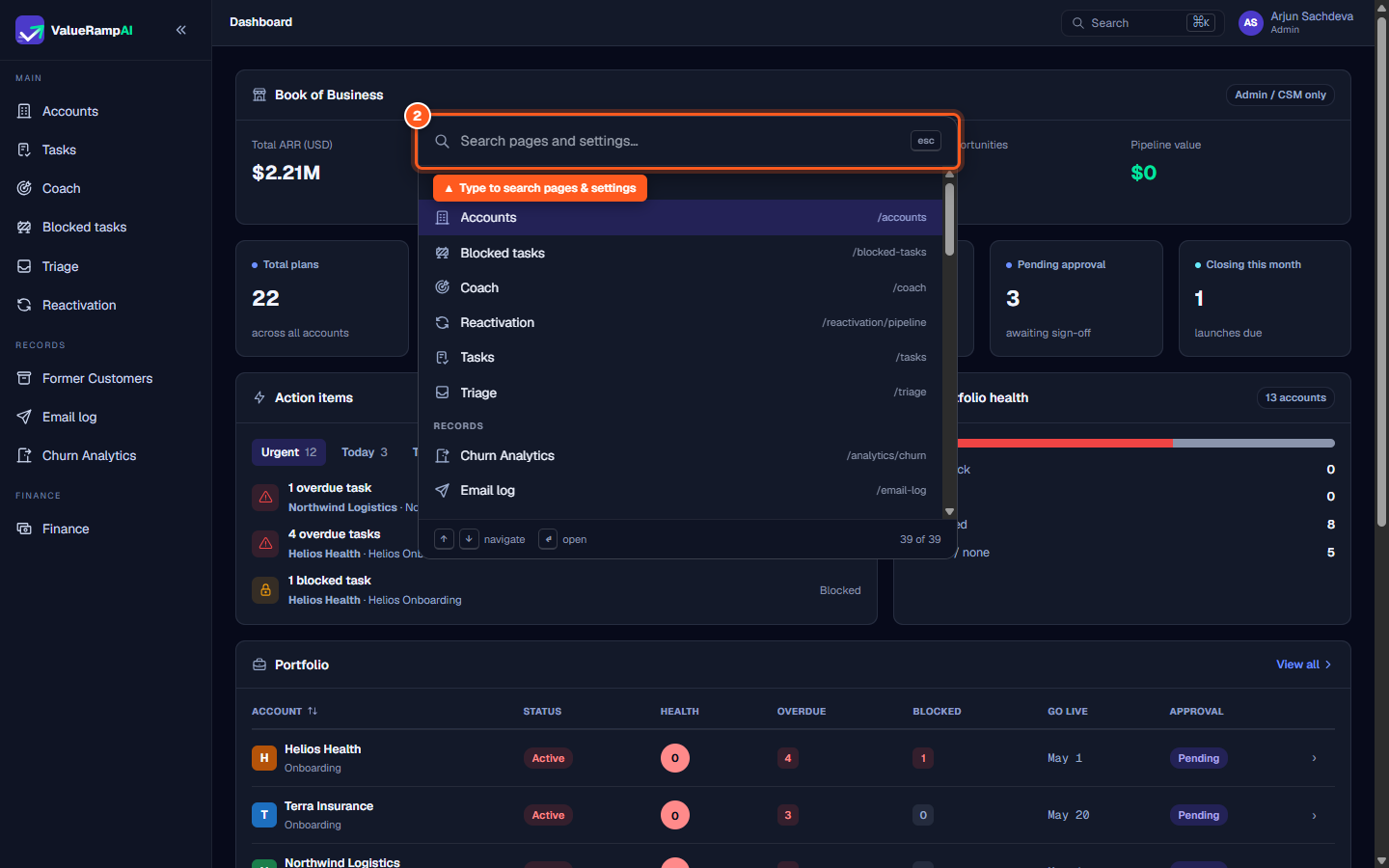
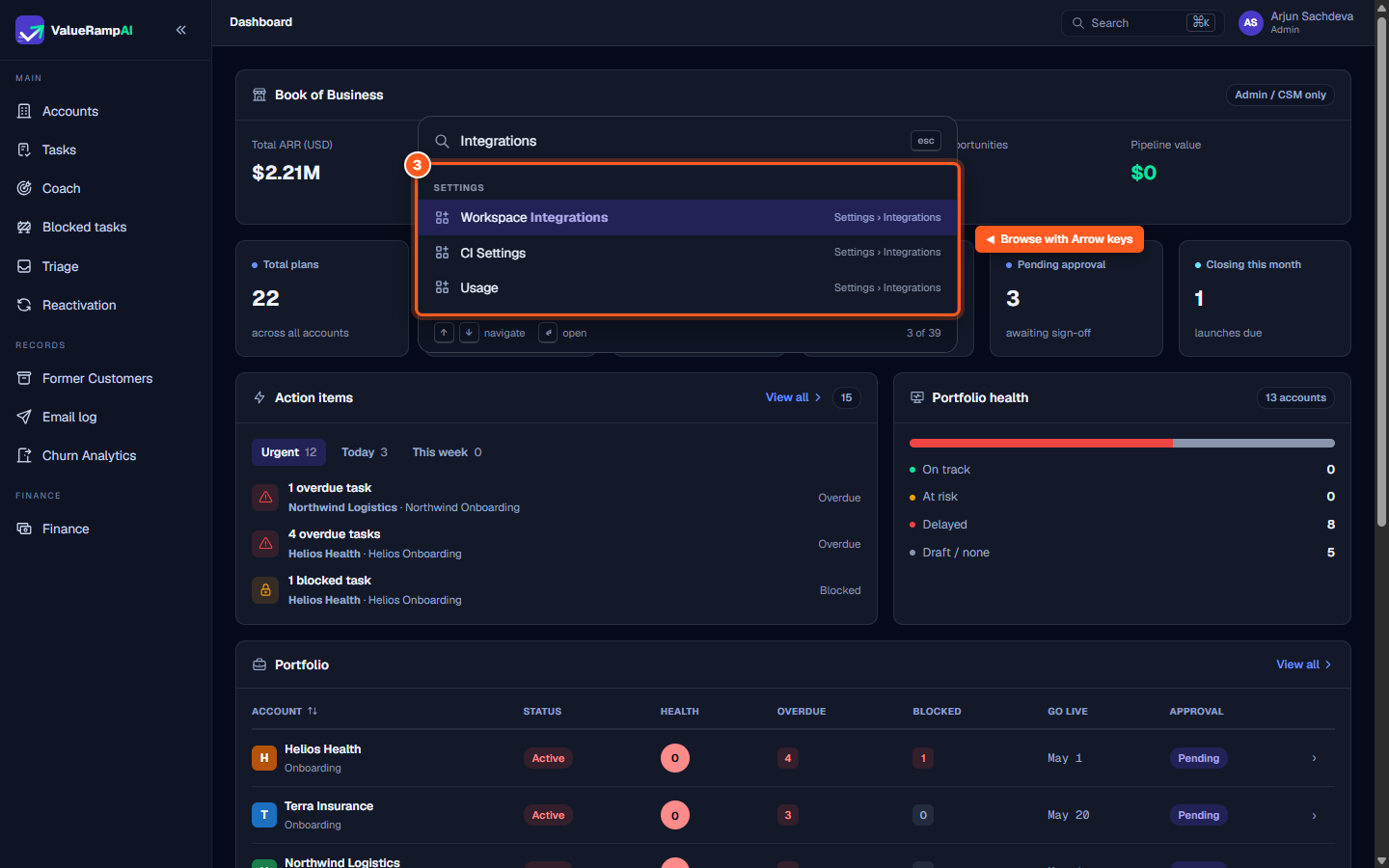
As you type, results filter instantly across all top-level sections (MAIN, RECORDS, FINANCE, TOOLS, and SETTINGS). Each destination shows its full hierarchy breadcrumb (such as Settings › Integrations) so you know exactly where the link leads.
- Up and Down arrows: Cycle through matching results.
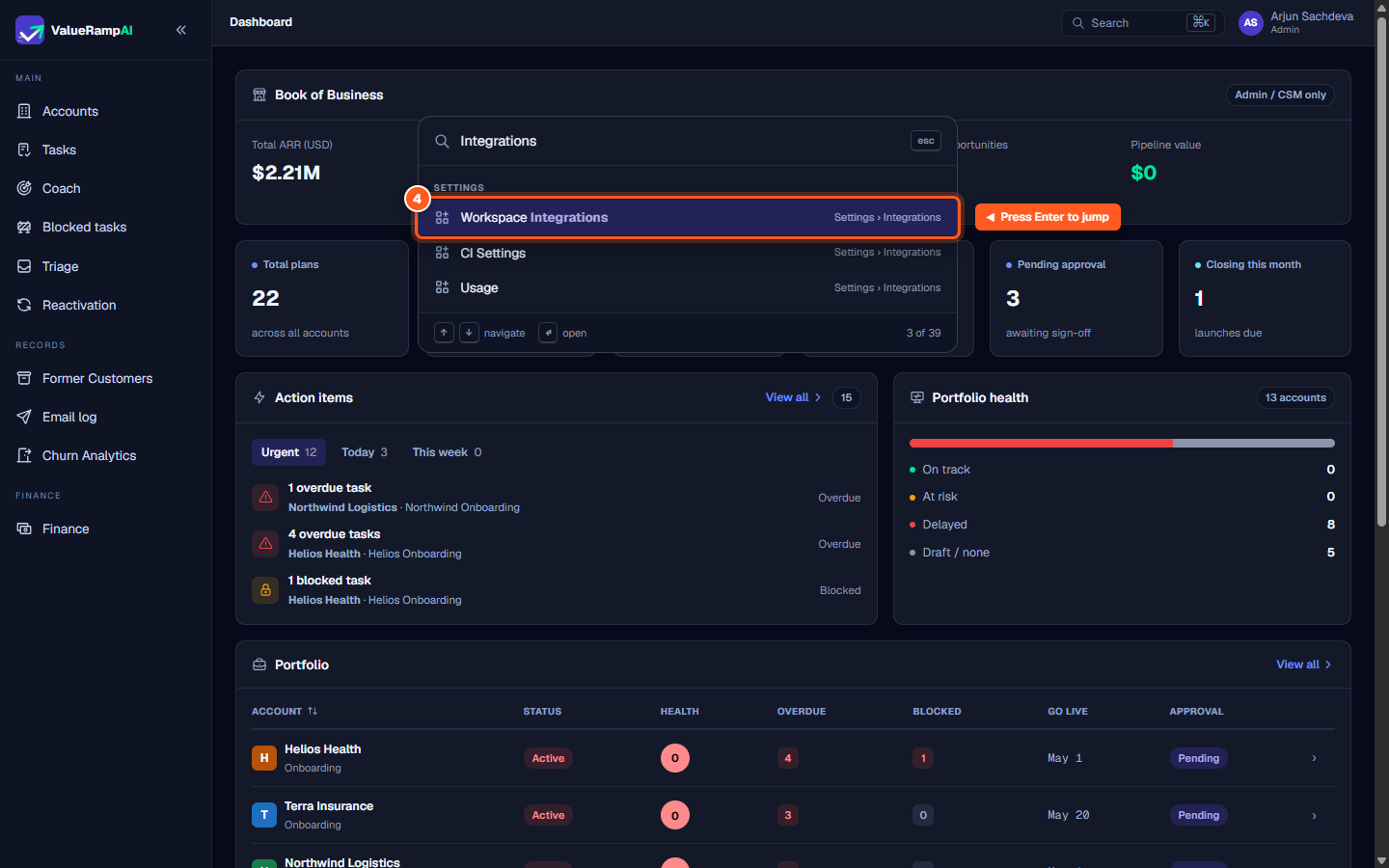
- Enter: Jump directly to the active highlighted page.
- Escape: Close the palette and return focus to your current screen.
Steps
Click 'Search' in the header or press ⌘K to open the command palette
Type any page or setting name into the search input
Browse categorized results using the arrow keys
Press Enter to navigate directly to your chosen destination
Common questions
What keyboard shortcut opens the command palette?
Why doesn't the ⌘K shortcut work when I am typing in an editor?
Are search results filtered by my assigned role?
Was this helpful? Tell us what was missing