The Admin's guide to ValueRamp
Last verified 2026-09-17
Master workspace governance, manage team roles and permissions, configure lifecycle automation, and oversee customer accounts as an Admin.
Before you start
- ValueRamp Admin role
As a ValueRamp Admin, you hold primary responsibility for workspace operational integrity, user access, lifecycle policies, and core infrastructure connections.
While Customer Success Managers (CSMs) and Onboarding Managers (OMs) execute account plans and drive customer engagements, Admins ensure the workspace operates predictably according to company governance and revenue standards.
Core Admin responsibilities
1. Workspace governance & settings (/settings)
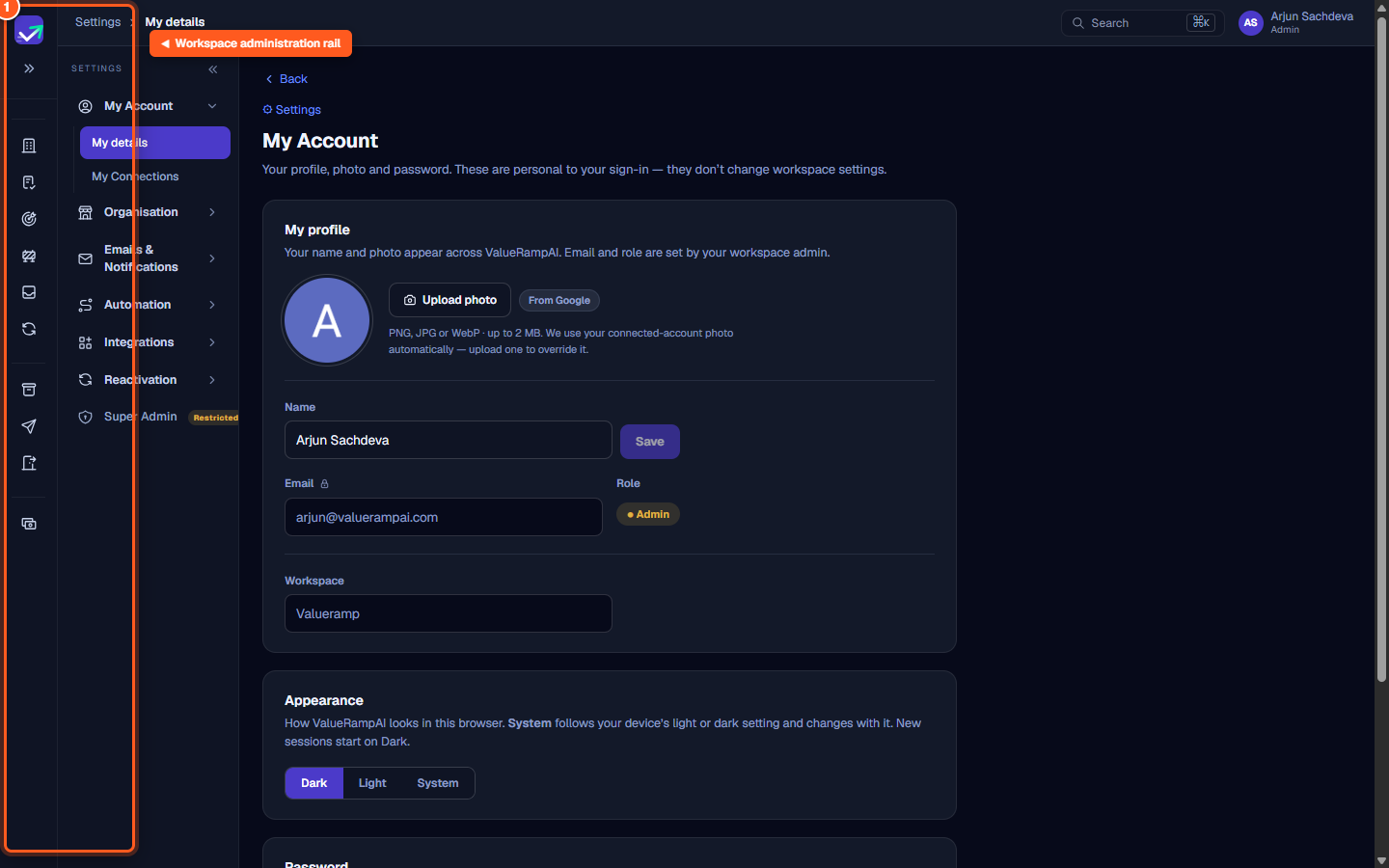
The secondary settings rail on the left organizes your workspace configuration into logical domains:
- Organisation: Set company operational timezones, manage customer account tiers, define product SKUs, and maintain team leave calendars.
- Currencies: Establish your workspace reporting currency and manage active exchange rates.
- Emails & Notifications: Authenticate sending domains with DKIM and configure automated communication throttle limits.
- Lifecycle: Establish automated transition rules for how customer accounts advance from Onboarding to Adoption, Renewal, or Churned phases.
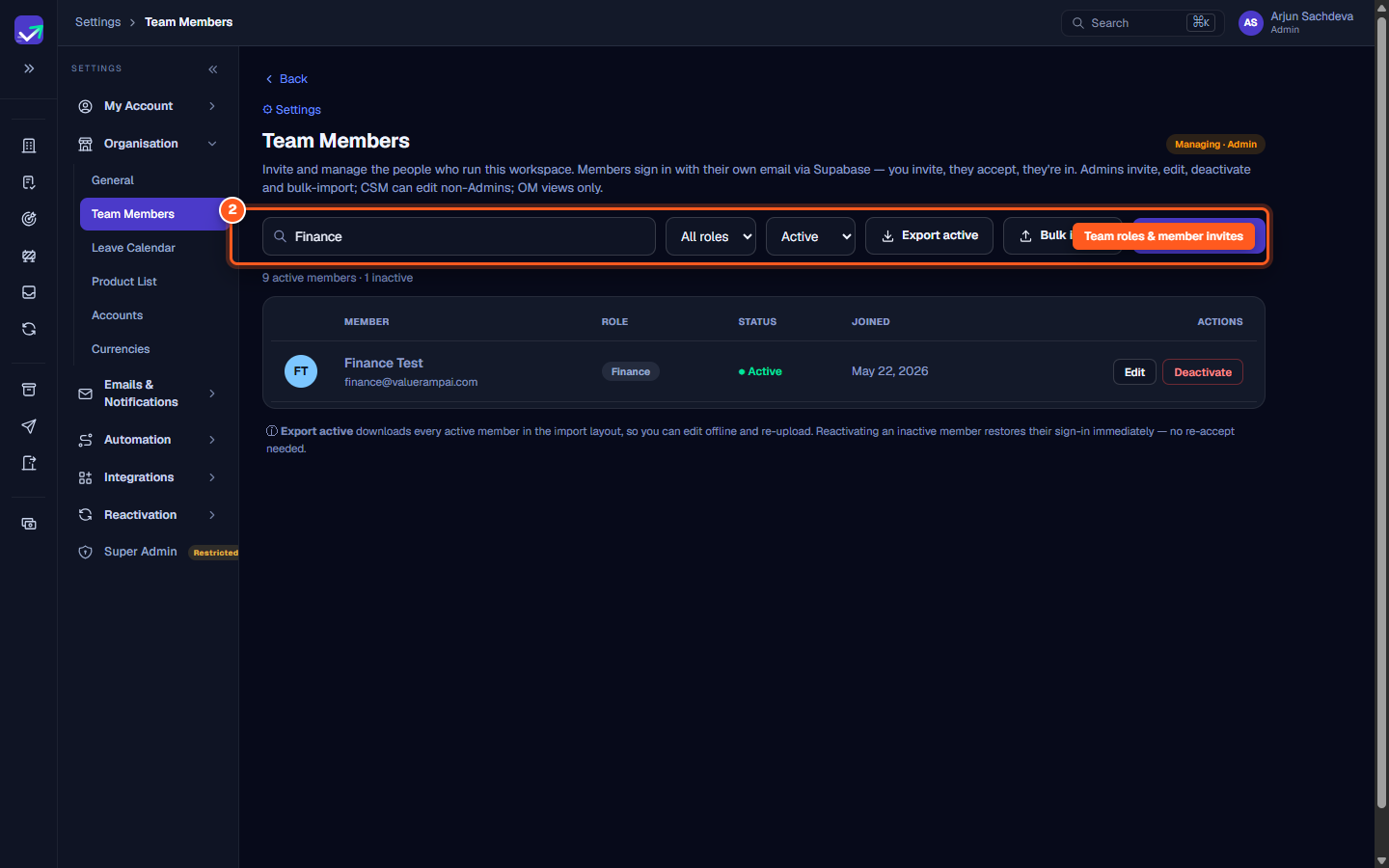
2. Team management (/settings/team)
Admins control team access:
- Send invitation links with 48-hour activation expiration.
- Assign roles (
Admin,CSM,OM, orFinance). - Edit non-Admin user notes and timezones.
- Deactivate departing staff or reactivate prior members.
- Bulk-import teammates via formatted spreadsheet templates.
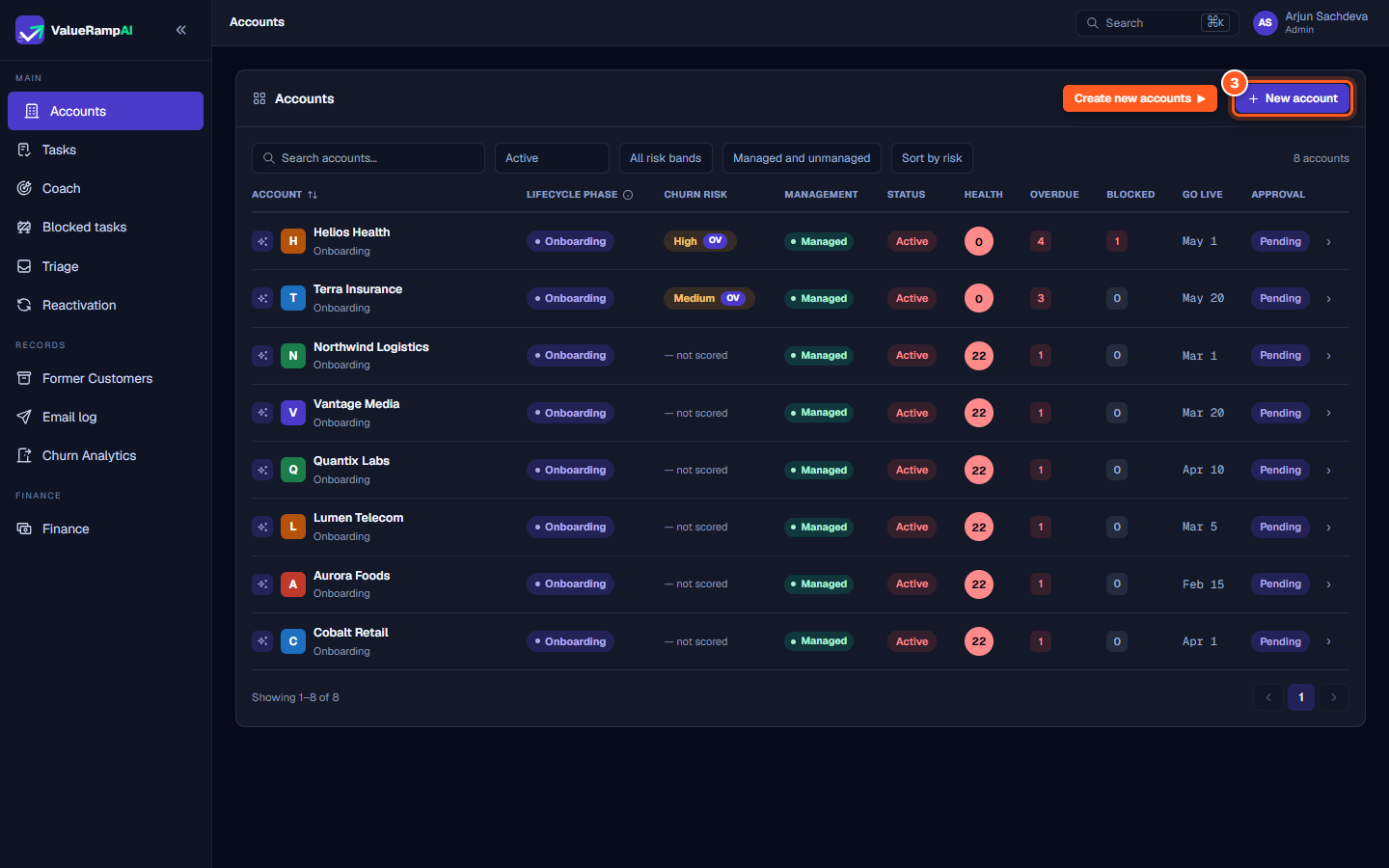
3. Customer portfolio oversight (/accounts)
From the Accounts overview, Admins monitor organization-wide client delivery:
- Create new accounts and assign designated CSM and OM owners.
- Monitor risk bands (Critical, High, Medium, Low) and intervene on churn signals.
- Review overdue tasks, blocked milestones, and customer onboarding velocity.
4. Third-party integrations (/integrations)
Admins establish organization-wide data synchronization:
- Connect HubSpot CRM to import closed-won deals and synchronize company contacts.
- Connect Slack to monitor customer-shared Slack Connect channels.
Steps
Open Settings to access the workspace administration rail
Invite teammates and assign Admin, CSM, OM, or Finance permissions
Create new accounts and oversee portfolio lifecycle health
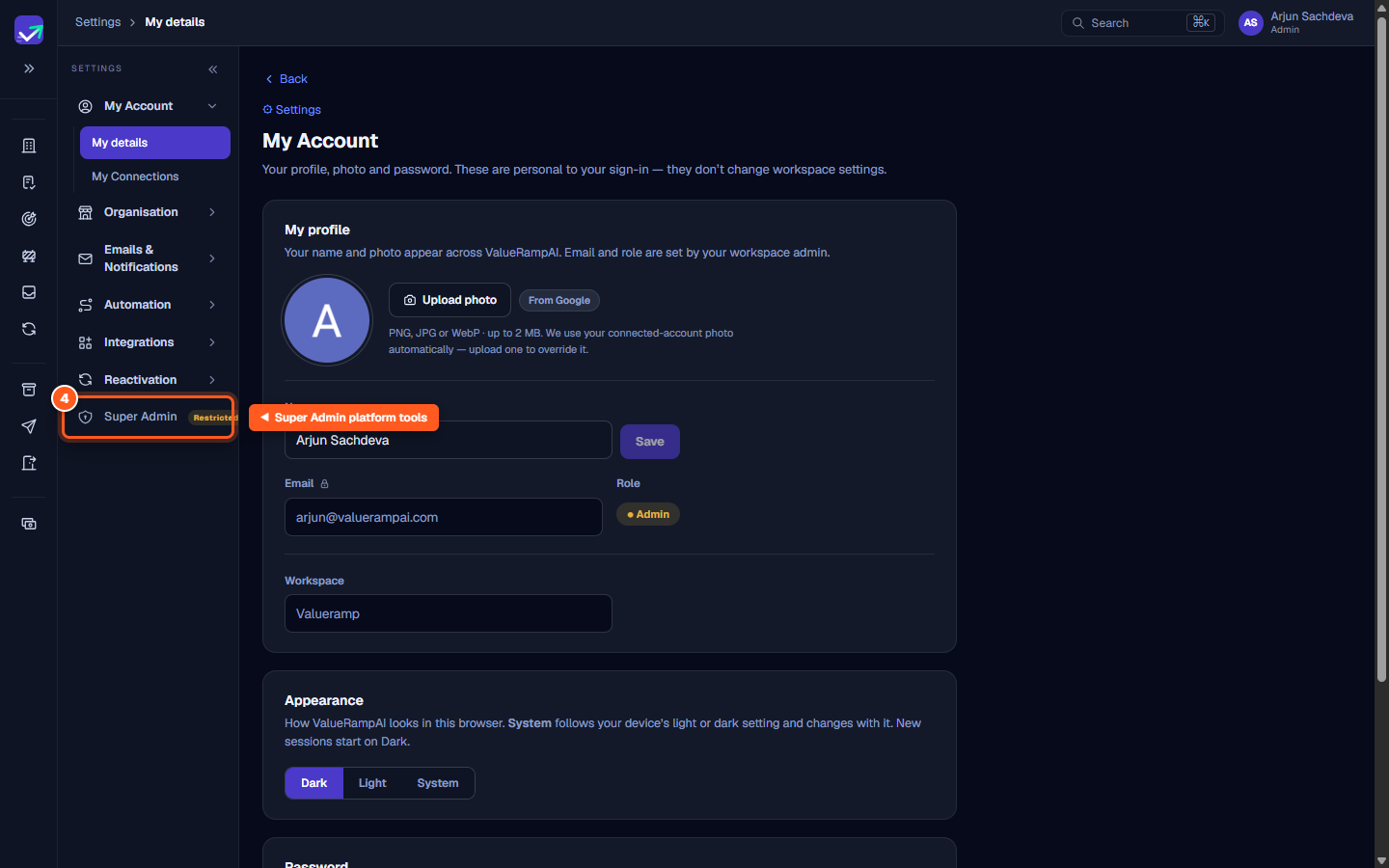
Access restricted Super Admin oversight and system queues
Common questions
What capabilities are exclusive to the Admin role?
How does the Admin role differ from CSM and Onboarding Manager?
Can an Admin create and manage customer accounts?
Where do I configure workspace integrations versus personal tools?
Was this helpful? Tell us what was missing