The watch list
Last verified 2026-09-17
Track armed win-back triggers on churned customer accounts, monitor stakeholder job changes, and review trigger expiration policies.
Before you start
- ValueRamp CSM or Admin role (the watch list is not available to OMs)
- Churned customer accounts with armed watch triggers
Overview
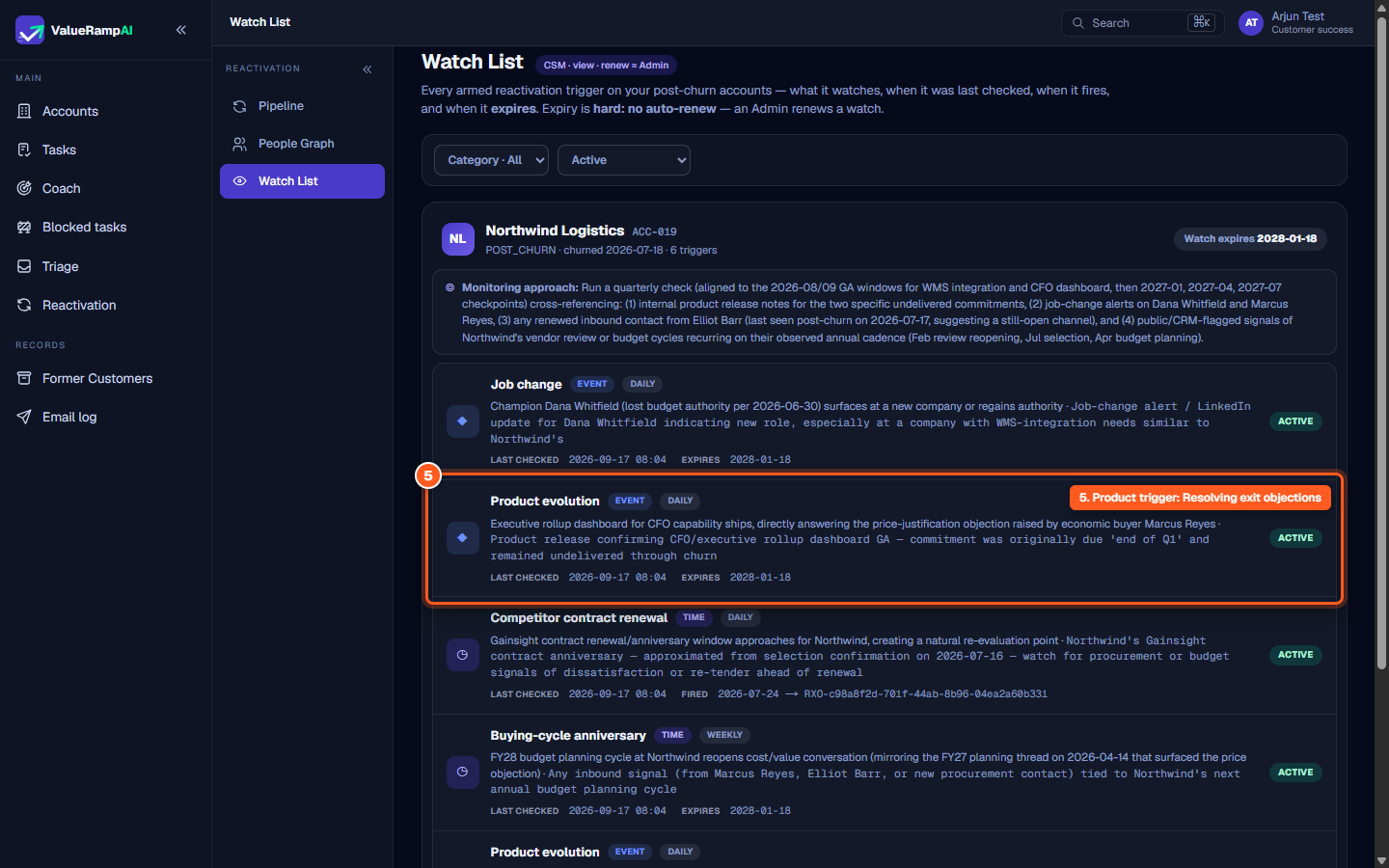
The Watch List (/reactivation/watch-list) provides systematic surveillance over former customer accounts, automating the discovery of timely re-engagement windows. Instead of leaving churned accounts dormant in your CRM, ValueRamp arms specific conditional triggers designed around the account's historical context, exit feedback, and executive stakeholders.
When a watch fires — today, a time-based date arriving or a champion's confirmed job change — it generates a reactivation opportunity in the pipeline. The other trigger types (new leadership, acquisition, funding, growth, product evolution, competitor failure, and the behavioural signals) are listed and armed but have no signal source yet, so they are checked and never fire.
Trigger Categories & Cadences
Triggers are grouped into three primary categories to address diverse win-back angles:
- Time Triggers: Fire on a fixed date — a buying-cycle anniversary, a competitor contract renewal, or a specific watch date. These fire.
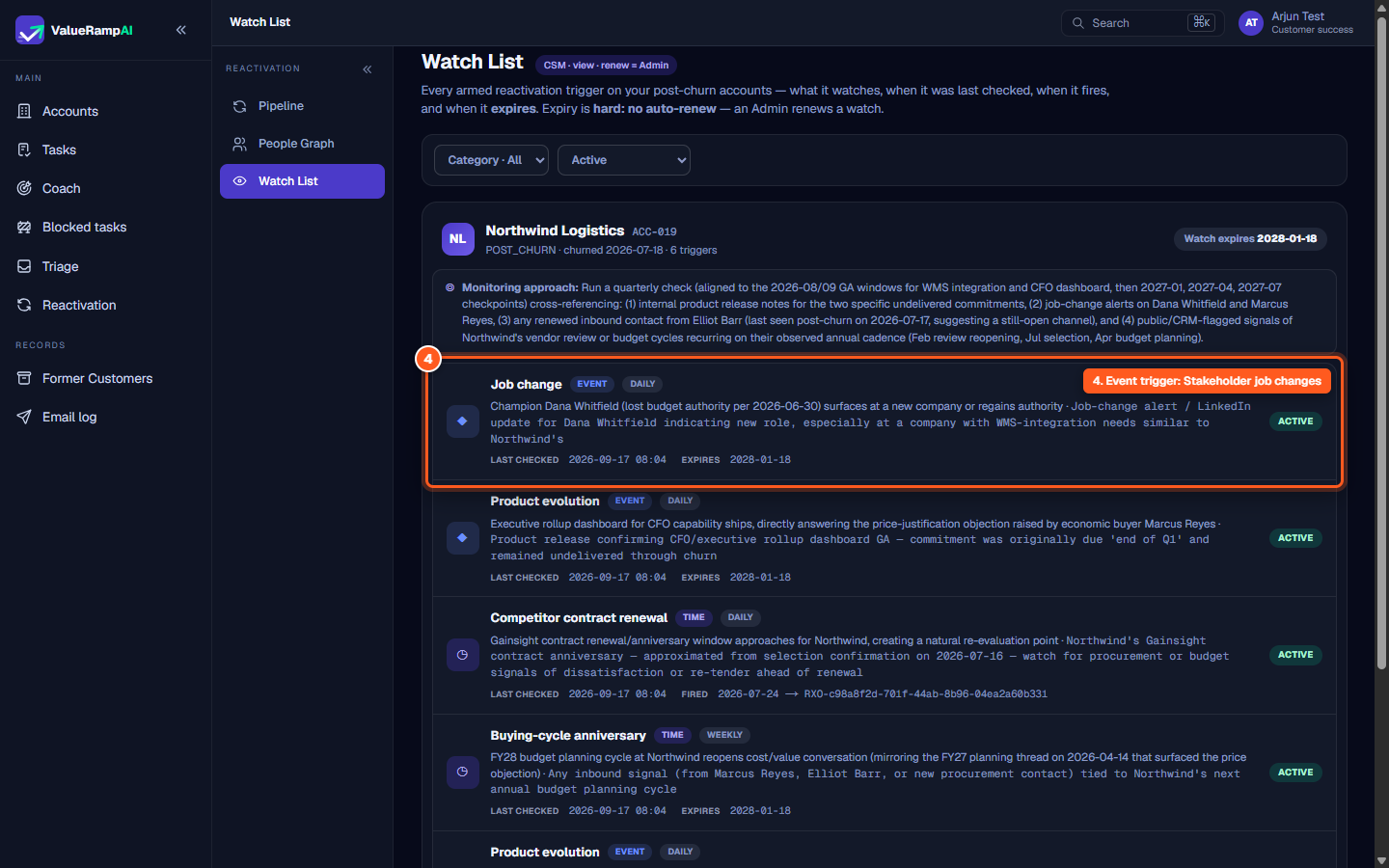
- Event Triggers: Job change fires (from a confirmed job-change signal on a stakeholder of the account). New leadership, acquisition / M&A, funding announcement, growth signal, competitor failure and product evolution are listed but have no signal source yet and never fire.
- Behavioral Triggers: Website visit, content engagement and inbound contact — listed, no inbound source yet, never fire.
Operational Governance & Expiry Policies
To ensure database hygiene and prevent stale surveillance, ValueRamp enforces strict operational rules:
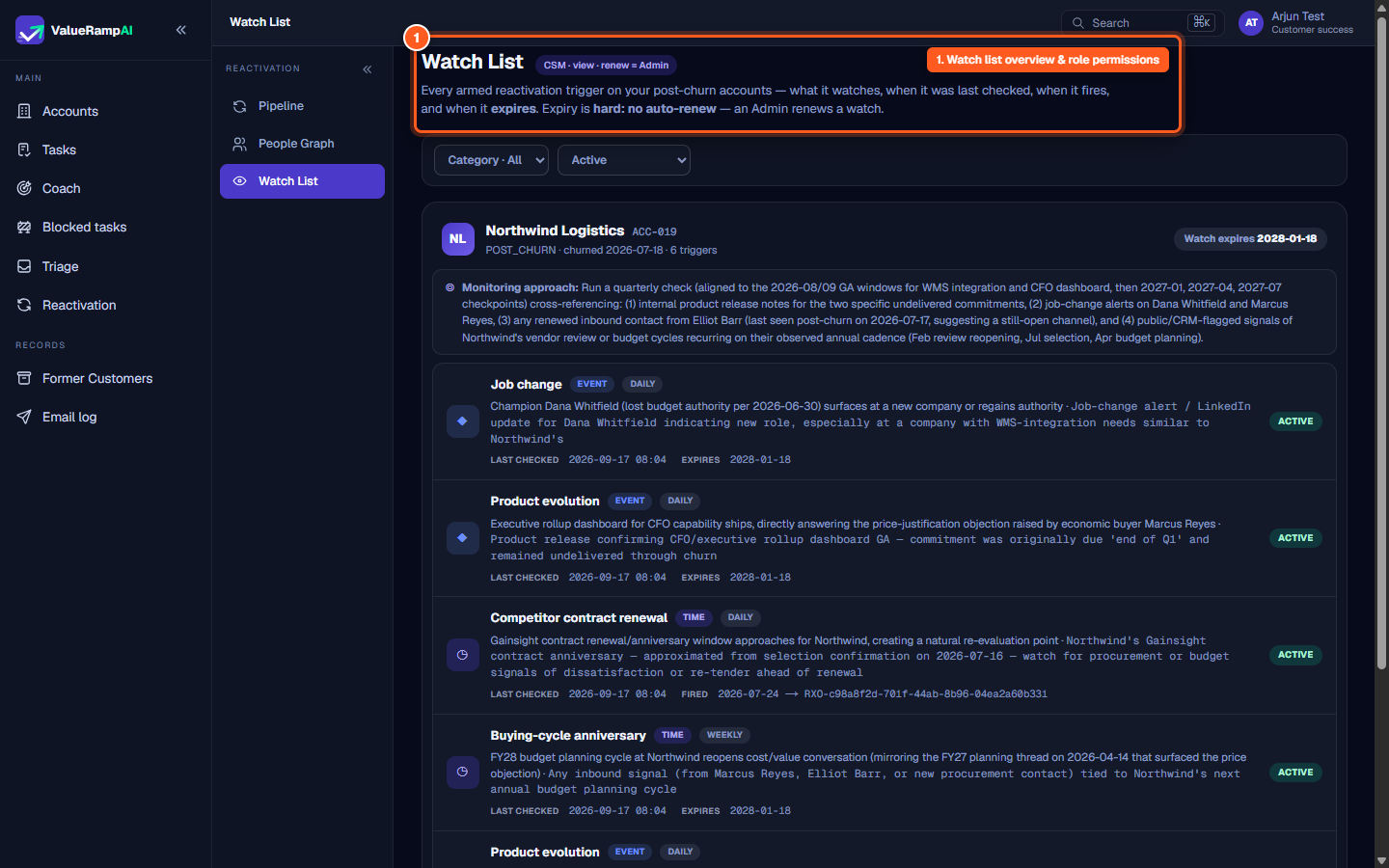
- Hard Expiry: Every watch expires at the churn date plus the workspace's post-churn tracking window (18 months by default, set in Lifecycle settings). Watches never auto-renew; an Admin can renew one by 6, 12 or 24 months.
- Role Permissions: CSMs maintain continuous visibility into trigger health and check history (
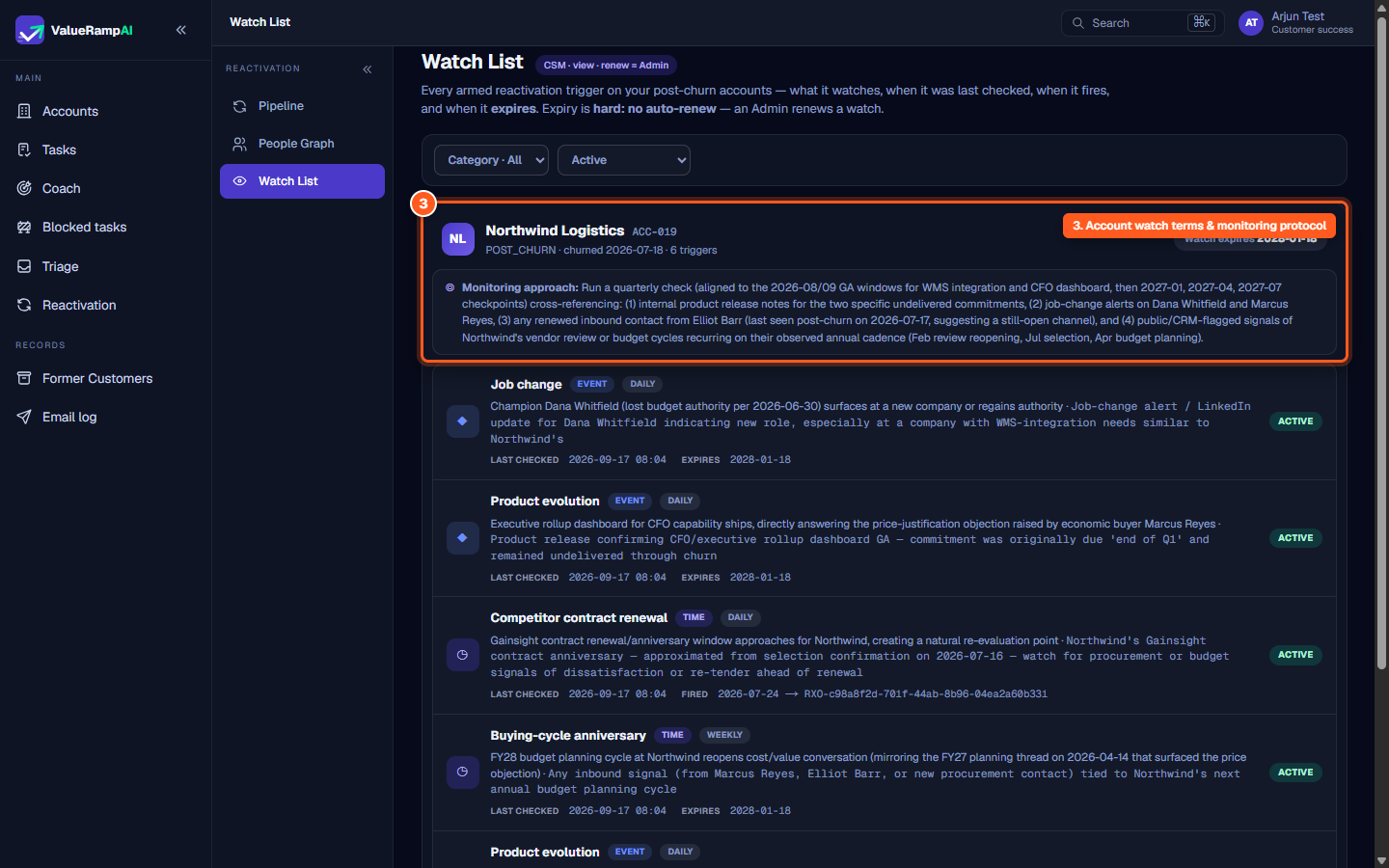
CSM · view), while renewing an expired watch requires administrative sign-off (renew = Admin). - Monitoring approach: Each account banner carries the watch list's written monitoring approach.
Steps
Review the Watch List overview, role permissions, and hard expiry rules
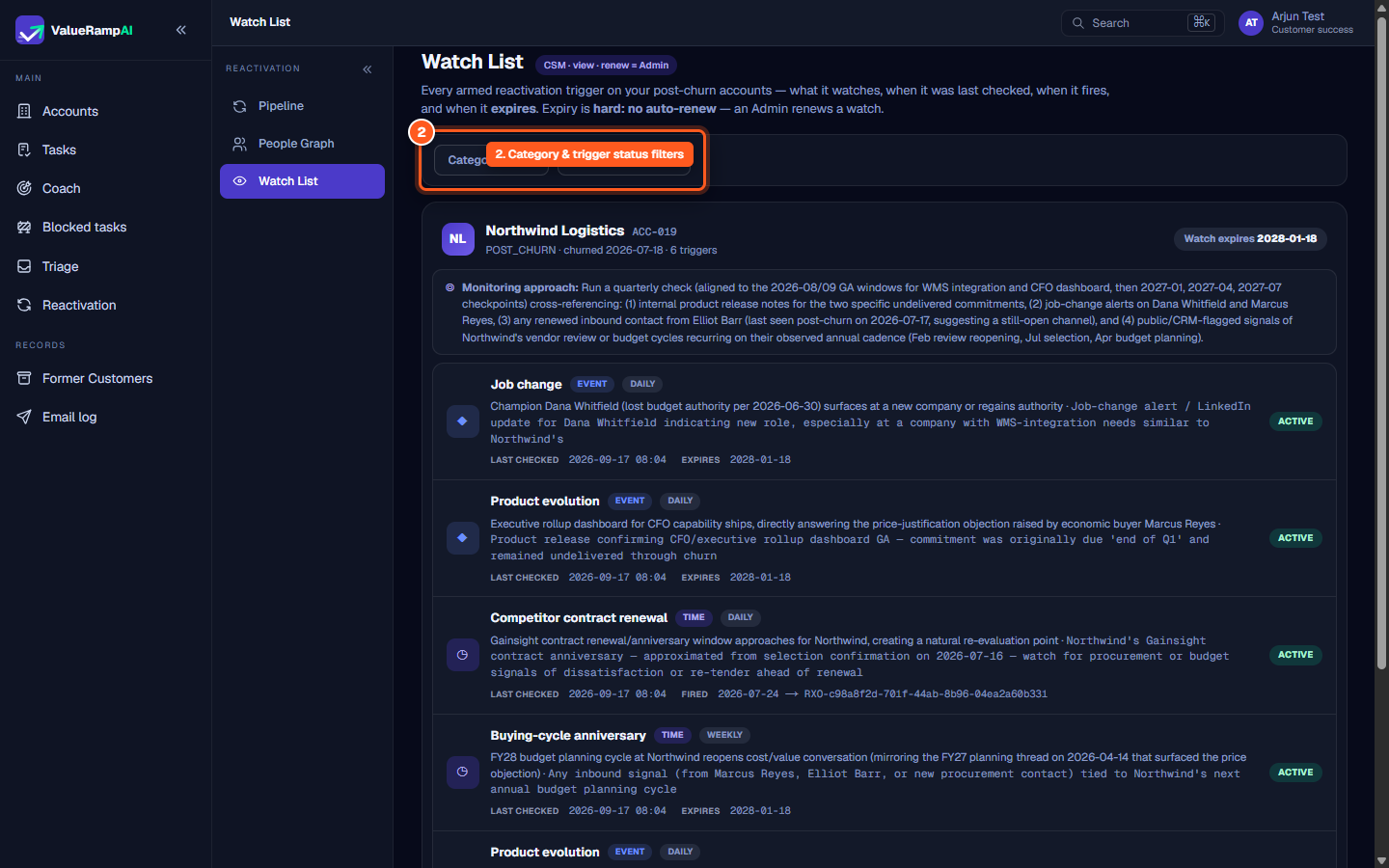
Filter armed watches by trigger category and operational status
Inspect account watch terms, churn date, and strategic monitoring protocols
Track the job-change trigger — the one event trigger that fires today
Understand which trigger types are armed but cannot fire yet
Common questions
What happens when a watch reaches its expiration date?
Who can renew an expired watch?
How frequently are event triggers checked?
What happens when a trigger fires?
Was this helpful? Tell us what was missing